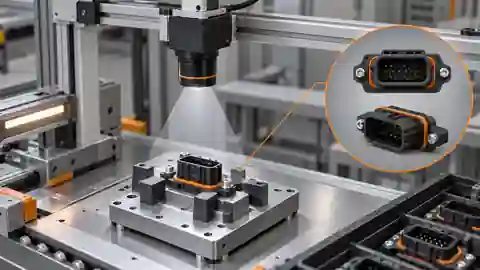
Locate the failing evidence layer
Locate the failure in acquisition, visible-part evidence, spatial decision or downstream event association before changing settings. Preserve the original reference condition and raw result. A required part missed in a fully observable zone, a clipped observation routed to Review and a correct result applied to another assembly are different failures. They need different controls and must remain distinguishable in the report. Do not use an eventual passing screenshot to overwrite the original symptom. A diagnosis starts with a reproducible failed case and the declared evidence boundary, not with a wider interval chosen to reduce the number of visible red indicators.
Replay the exact failed image
Replay the exact source image, crop transform, graph revision and reference class that produced the symptom. Inspect actual installed node and model identities where relevant, rather than relying on the graph's display name. If identical frozen material changes its output, investigate preprocessing, dependencies or request-result association before blaming the fixture. If replay is stable while new images fail, compare optical and capture conditions next. Preserve the complete original frame so a local preview cannot conceal the cause. A successful replay can narrow the investigation, but it does not prove that the failed frame came from the intended assembly event.
Distinguish clipped evidence from real absence
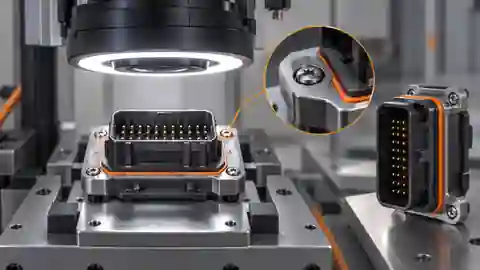
Overlay the declared regions on the full source image and inspect the required part, its observation margin and any occluding tool. A component crossing a zone boundary is not necessarily absent from the assembly. Compare the same identified assembly in the baseline pose and a permitted altered pose while keeping optics and reference class fixed. If clipping causes the ambiguity, restore the observation through capture or geometry before altering the absence rule. Enlarging a region may introduce a neighboring fixture feature that then masquerades as the missing part. Record both the recovered visibility and the new evidence risks instead of accepting a cleaner local crop alone.
Clipping is different from observed absence
Inspect the full assembly and declared zone before interpreting a missing local candidate.
- Complete original assembly view
- Declared component observation zone
- Visible part crossing the zone edge
- Neighboring fixture evidence excluded
Explain duplicate candidates before filtering
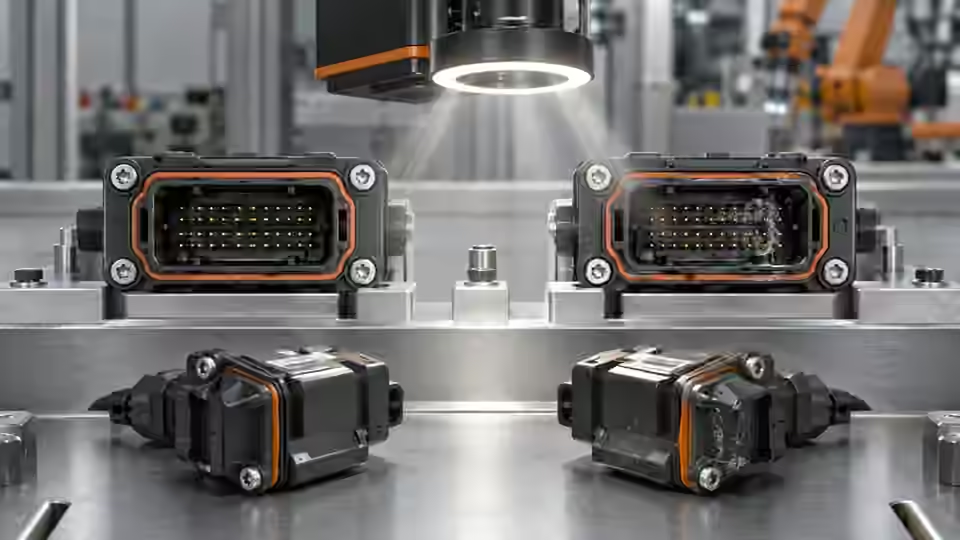
Inspect raw foreground components or detector candidates when a required label appears more than once. Determine whether the candidates are separate real features, a reflective split, a fixture intruder or duplicate detections from the chosen model path. Keep the original evidence and declared label mapping. Do not select whichever candidate makes the spatial rule pass. A fixed-region foreground method and a trained detector require different controls; duplicate filtering is not proof of correct part identity. Compare any proposed mask or suppression change on the same missing-part and misplaced-part references, checking that the correction does not erase a legitimate defect or silently merge separate objects.
diagnostic_record = {
    'assembly_id': assembly_id,
    'image_id': image_id,
    'graph_revision': graph_revision,
    'raw_detections': raw_detections,
    'detection_validity': detection_validity,
    'raw_rule': raw_rule,
    'execution_status': execution_status,
    'event_identity': event_identity,
}
# Record the failure without converting Review, unknown states or execution errors into Pass.
Check relation sign and coordinate basis
Check first and second labels, their center definitions, crop transform and the selected relation before questioning the mechanical reference. A signed horizontal difference can change sign when labels are reversed, while Euclidean distance cannot represent the same directional condition. The reviewed bounded relation includes its interval boundaries and requires unique valid labels before evaluation. Inspect the actual rule configuration and native reason, not only a drawn arrow. Do not substitute a physical tolerance for an image-local interval without validated geometry. A sign or coordinate correction must be demonstrated on both intended and reversed relationships, rather than accepted because a single normal assembly now passes.
Trace the assembly event
Trace acquisition command or event, source frame, assembly identity, graph revision, raw decision and receiving action separately. A repeated earlier image can make the processing look stable while the current assembly is never inspected. Test delayed, missing and cancelled results in an isolated environment and confirm their explicit nonpassing disposition. Check whether a queue or cache overwrites the current result with a late answer from the previous assembly. Preserve raw Review and execution errors instead of mapping them to a convenient visible-part count. Timing and controller behavior require their own validated station contract; offline processing logs alone do not certify integration.
Keep the diagnostic workbook
Write a workbook row for each failed case with its original image, independent reference, specimen and event identities, crop coordinates, graph and runtime revisions, raw part evidence, validity, rule and suspected mechanism. Add the discriminating control and the observation that would disprove the explanation. Retain candidate results beside the baseline, including unresolved cases. The table separates visibility, duplicate, relation and event investigations without prescribing a universal filter. Keep Review and execution failures in the planned denominator. This lets another engineer distinguish a supported correction from a plausible story assembled after selecting only the samples that became convenient to process.
| Failure signature | Discriminating control | Evidence to retain |
|---|---|---|
| Required part crosses observation boundary | Same specimen in declared poses | Full frame, region coordinates and validity |
| Required label has multiple candidates | Inspect raw components or model candidates | Original mask or detections with label mapping |
| Relation reverses despite visible parts | Check label order and signed-coordinate rule | Actual centers, transform and frozen rule |
| Current assembly shows an earlier result | Inject delayed or missing result in isolation | Assembly, image, request and action identities |
Verify correction without hiding failures
Verify the proposed correction on frozen development groups and then on independent acceptance assemblies using limits agreed before the run. Confirm that visible defects remain detected and that no former failure has merely become an unreported review, stale frame or relabelled reference. Freeze the changed graph and capture configuration with the original baseline. If the required mechanical property is hidden or the part identity remains unproven, retain that boundary and request a different observation or test. Deyi Vision can support diagnosis of supported workflows, but this procedure does not certify a current package, real camera installation or production assembly performance.
A correction needs a discriminating control
Keep the failed evidence and verify a proposed explanation without choosing a convenient candidate.
- Freeze the failure and reference
- State competing causes
- Run the controlled comparison
- Verify correction or retain unresolved scope
Sources and technical references
These references explain the methods and limits used in this tutorial. Example checks are guidance; production acceptance requires evidence from your own samples.
- Contours: Getting StartedOpenCV
Foreground and extracted boundaries must be inspected on the actual source image when diagnosing region evidence.
Checked - Morphological TransformationsOpenCV
Opening and closing can remove or merge foreground features and need reference-based comparison.
Checked - Triggered Image AcquisitionBasler
Acquisition-event behavior must be distinguished from saved-image processing.
Checked
Component and selection references
- machine vision software
- Machine Vision Acceptance Test Checklist
- Automated Visual Inspection
- Machine Vision Systems
- Battery Tab Weld Height Inspection
- Balluff Vision Sensor Alternative
- Datalogic Barcode Reader Alternative
- Banner Vision Sensor Alternative
- EAN-13 traceability: duplicates and missing reads
- Camera setup for visible fill-level inspection
- Lighting and ROI for a visible liquid boundary
- Troubleshoot unstable visible fill-level decisions
- Set inspection thresholds with a confusion matrix
- Check laser-profile datum and missing-data behavior
- OCR labels: unreadable versus wrong text
- Set up a camera for open-package completeness checks
- Choose lighting and ROI for open-package contents
- Troubleshoot false package-completeness decisions
- Seal and bead appearance: gap diagnosis
- SKU color sorting: channel and drift diagnosis
- Surface defects: false-alarm diagnosis