
When to review smart cameras.
The Smart Cameras route fits compact inspection cell, presence detection, simple pass/fail automation projects. Use smart cameras when the inspection logic is contained.
Product route
Integrated imaging, onboard processing and I/O for compact inspection cells, retrofit projects and line-side decisions.
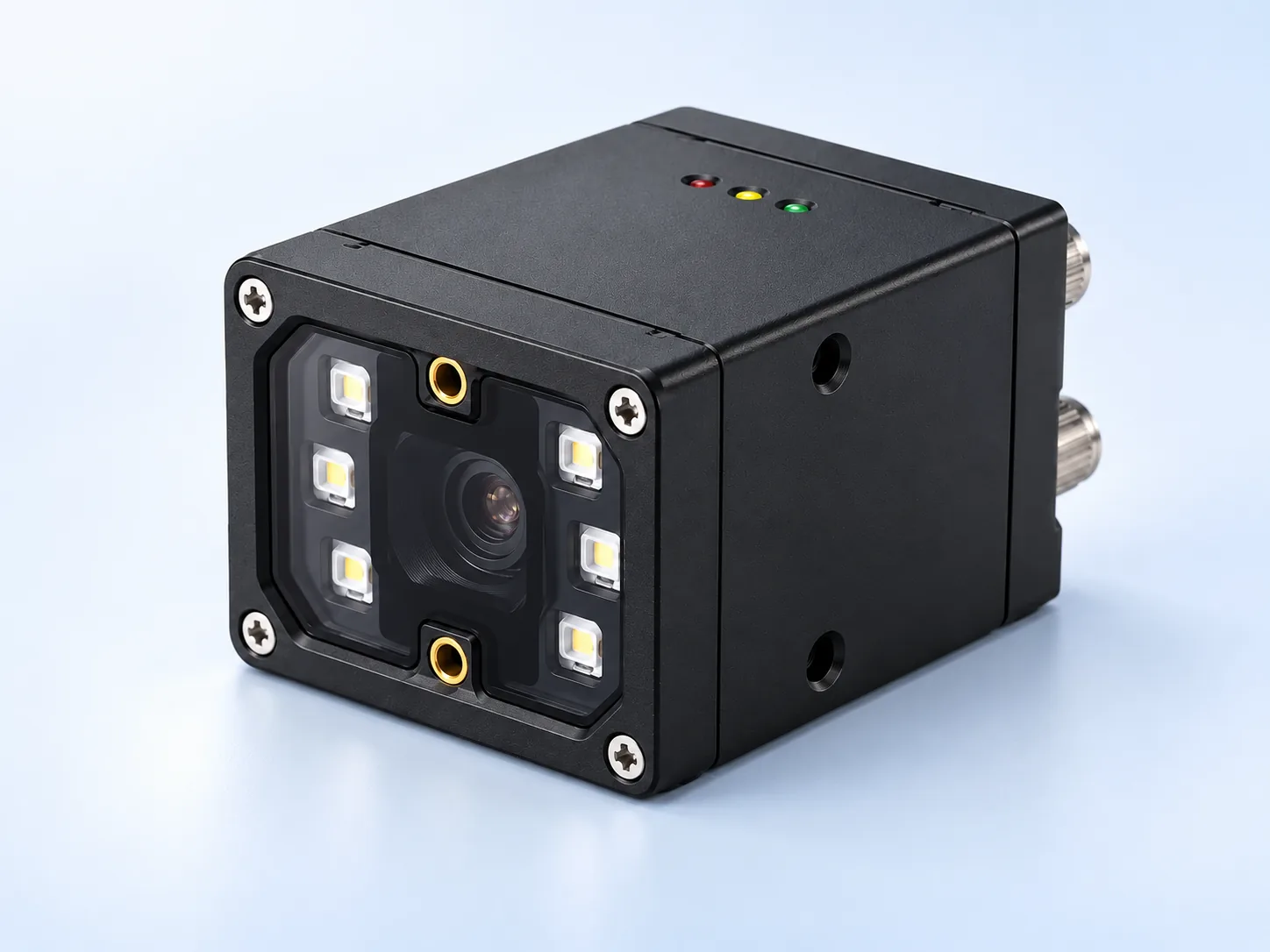
The Smart Cameras route fits compact inspection cell, presence detection, simple pass/fail automation projects. Use smart cameras when the inspection logic is contained.
Onboard processing, I/O ready, Compact inspection are only the starting point. Also confirm field of view, working distance, line speed, interface, trigger timing and mounting limits.
Share sample images, good and bad parts, current reference model, target defect, tolerance, production speed and available fixture space.
When this route is a good fit
Swipe horizontally to compare buyer situation, inspection constraint, recommended route and what to send.
| Buyer situation | Inspection constraint | Recommended route | What to send |
|---|---|---|---|
| Integrated camera, processor and I/O review for compact inspection stations | Smart-camera RFQ | Integrated camera, processor and I/O route for compact inspection stations. | Send defect target, station photos, I/O needs and speed. |
| Smart camera review when inspection logic can run at the edge | Edge-vision route review | Smart camera route when inspection logic can run at the edge. | Confirm tool complexity, trigger, protocol and operator interface needs. |
| Simple decision review for presence, orientation, code or label checks | Pass/fail station review | Simple decision route for presence, orientation, code or label checks. | Provide good/bad examples, reject logic and required output signal. |
| Architecture comparison between all-in-one smart camera and PC-based multi-camera system | Architecture decision review | Architecture comparison between all-in-one smart camera and PC-based multi-camera system. | List camera count, algorithm complexity, data logging and maintenance expectations. |
How buyers should compare this route
Smart Cameras should be evaluated when the project is tied to compact inspection cell, presence detection, simple pass/fail automation. A useful review starts from the part behavior, target feature, motion condition and current failure mode, then maps those limits to the right component family instead of forcing one catalog model.
Use smart cameras selection as a system decision: lens, lighting, fixture, trigger, interface and software all affect repeatability. The safest shortlist is created only after sample images, line speed and output constraints are reviewed together.
What engineering should confirm first
This workflow keeps the RFQ focused on the real inspection constraint and reduces the risk of buying a component that works on paper but fails under production lighting, motion or fixture variation.
Reviewed selection basis

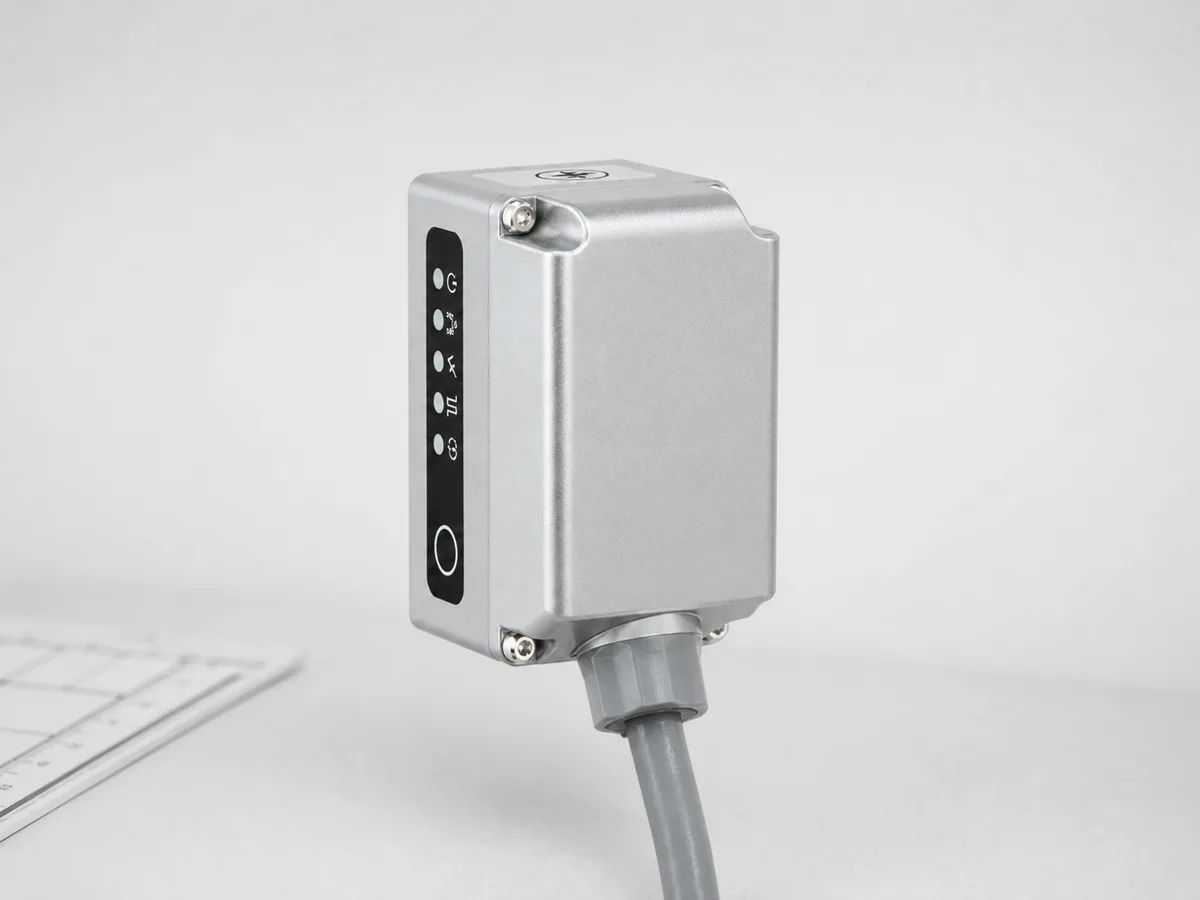
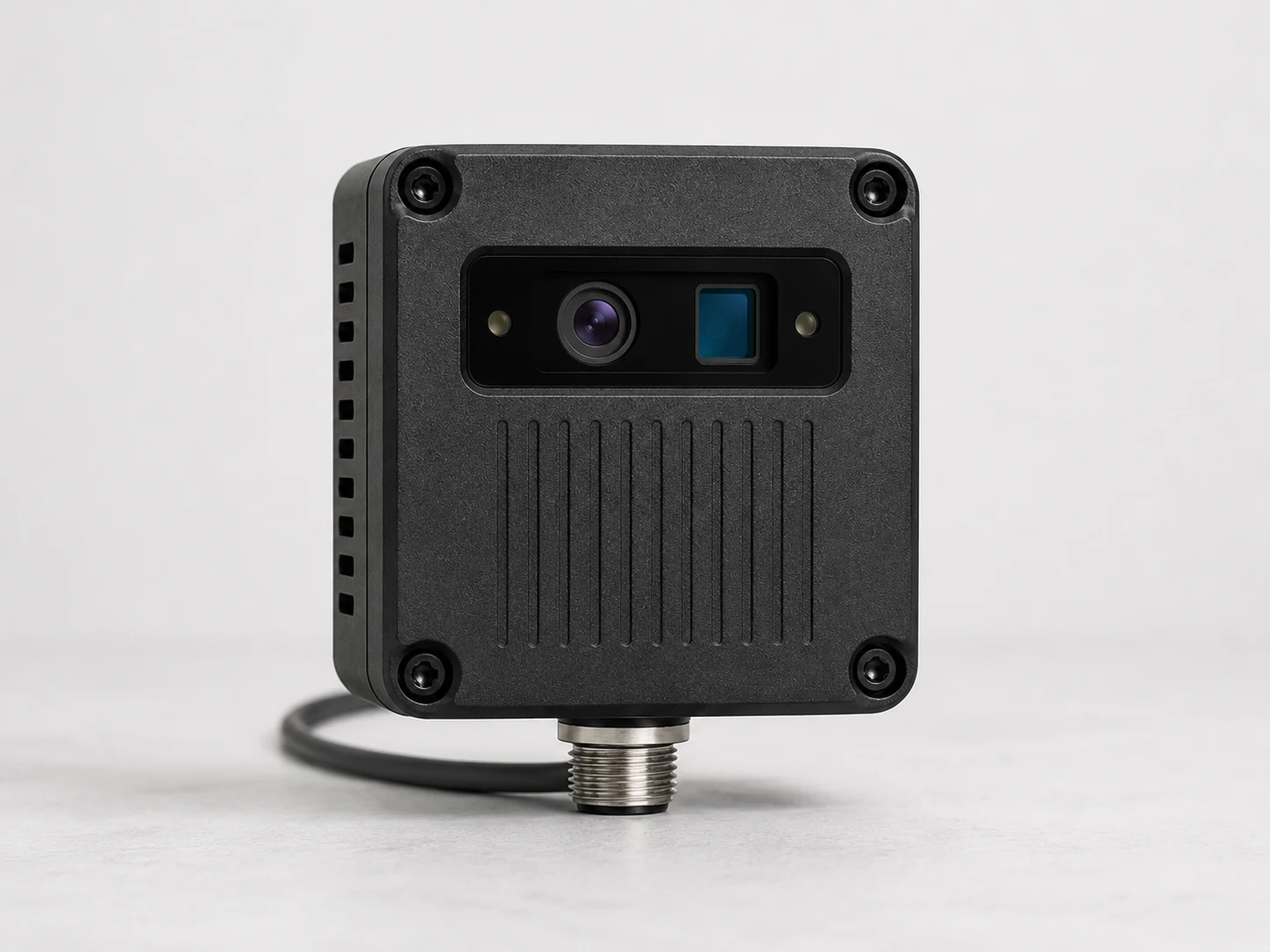
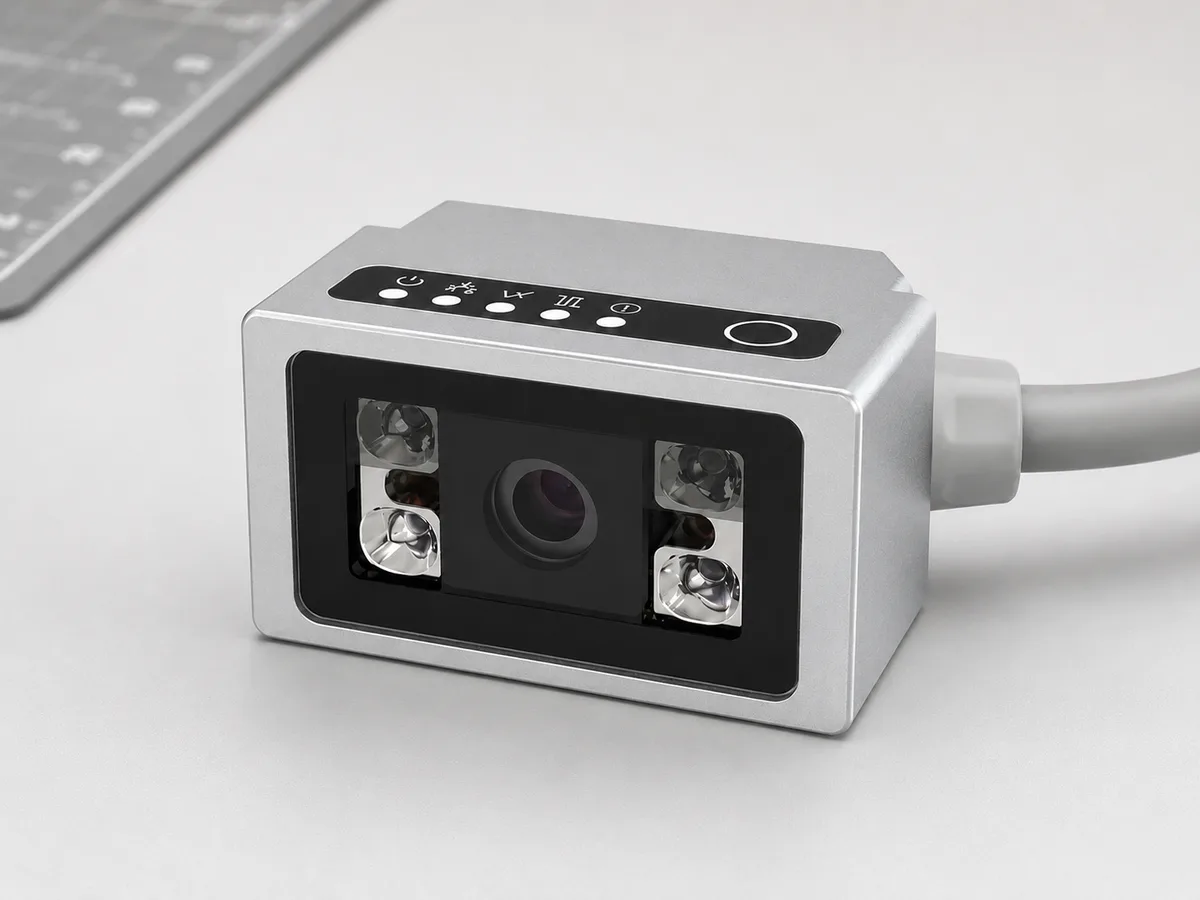
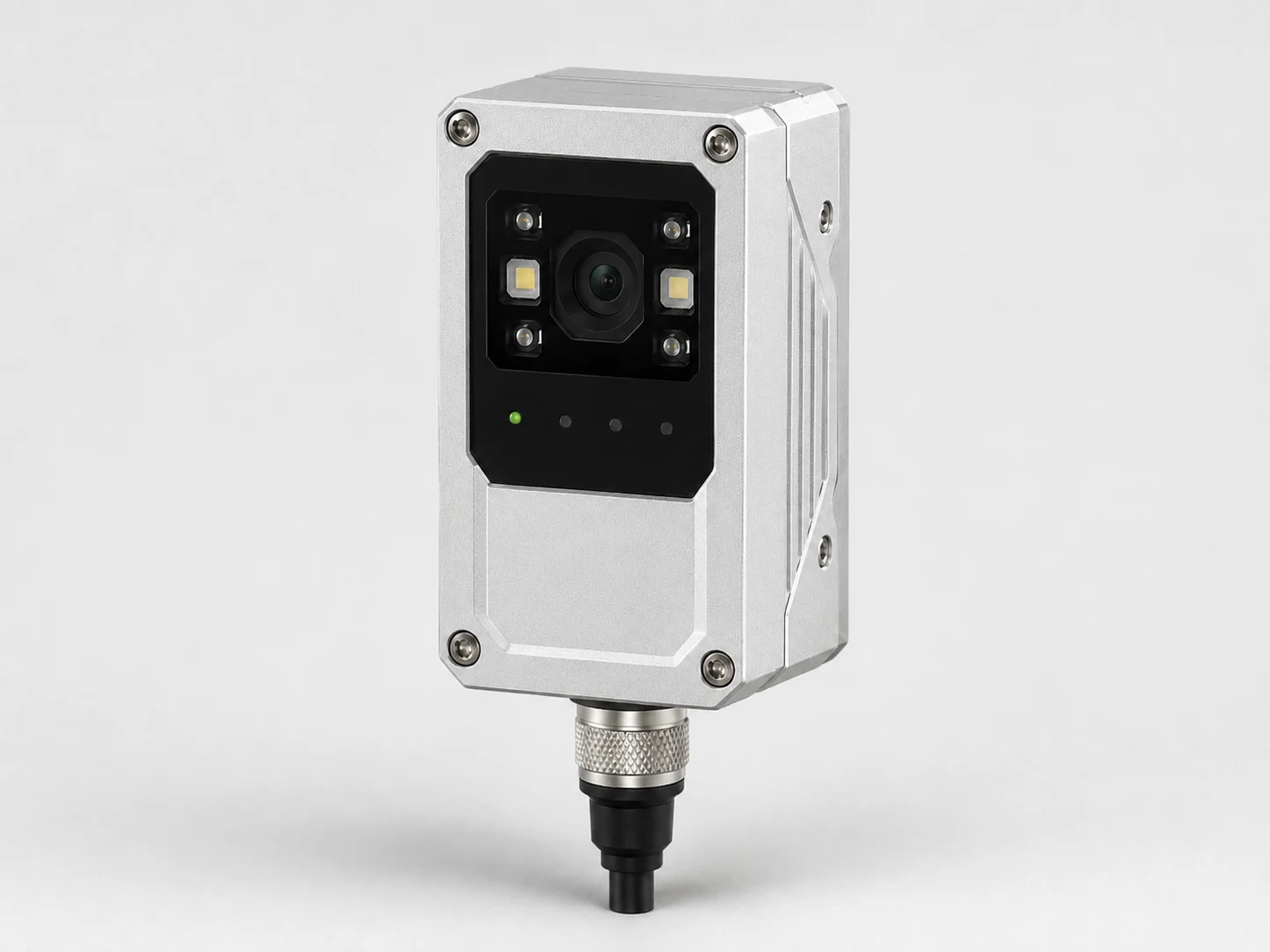

Model parameter matrix
Reference model: NV5 · Supplier: XS-Code
Feature route mapped Official family page Request this routeReference model: NV4 · Supplier: XS-Code
Feature route mapped Official family page Request this routeSwipe horizontally to compare reviewed model parameters. Use the mobile cards above on small screens.
| Parameter | AI smart camera DY-NV5 Reference model: NV5 · Supplier: XS-Code Feature route mapped Official family page | Smart camera DY-NV4 Reference model: NV4 · Supplier: XS-Code Feature route mapped Official family page |
|---|---|---|
| Architecture | MV + AI hybrid smart-camera route | Confirm during RFQ |
| AI functions | Presence/absence, defect detection, classification, OCR and counting | Confirm during RFQ |
| Deployment | One-learning deployment workflow | Confirm during RFQ |
| Processing | Millisecond-level processing route | Confirm during RFQ |
| Acquisition | Up to 60fps image acquisition stated in official feature copy | Confirm during RFQ |
| Route use | Compact pass/fail and line-side AI inspection | Presence, position and compact inspection tasks |
| Series | Confirm during RFQ | NV smart-camera route |
| Integration | Confirm during RFQ | Onboard processing and line-side decision route |
| RFQ lock | Confirm during RFQ | Confirm sensor, lens, light, I/O and communication protocol |
| RFQ notes |
|
|
Related solution routes
Build automated visual inspection systems for defect detection, presence checks, surface inspection, orientation, measurement and repeatable pass/fail output.
SolutionSelect readers and lighting for label codes, DPM marks, carton sorting and part tracking.
SolutionBuild flexible small-part loading cells with F/FL/FS feeder trays, optional storage bins, vision positioning and DTA robot pickup routes.
SolutionPlan a complete vision inspection system for defect checks, presence, measurement, barcode reading and pass/fail output.
Application case briefs
Application brief for label presence, barcode read rate and packaging traceability on moving conveyor lines.
Metal and surface inspectionApplication route for DPM barcode reading on machined or laser-marked metal parts with difficult surface contrast.
Related buying guides
Choose between ring light and dome light by surface reflectivity, shadow control, curvature, defect type, working distance and mechanical space.
ResourceCompare fixed-mount barcode readers and handheld scanners for production lines, warehouses and traceability cells.
ResourceSelect fixed code readers by worst-case code quality, read distance, motion, lighting, trigger timing and output protocol.
ResourceCompare smart cameras and PC-based machine vision systems by inspection complexity, I/O, multi-camera logic, data handling, maintenance and expansion risk.
ResourceDesign packaging label and barcode inspection for wrong-label risk, no-read events, label position, print verification, conveyor speed and reject output.
ResourceDesign food and beverage inspection for cap presence, label position, date code readability, fill or package checks, line speed and reject reliability.
ResourcePlan pharmaceutical packaging inspection for code verification, label position, seal presence, carton checks, rejection behavior and documented acceptance.
ResourceDecide when a smart camera is enough for a compact cell and when PC-based vision is safer for algorithms, data or multi-camera scope.
Reference alternatives
A neutral selection guide for teams comparing Keyence-style integrated vision systems with component-level inspection routes.
CompareCompare Cognex-style machine vision camera requirements with inspection goals, lighting constraints and integration budget.
CompareMap fixed-mount barcode reader requirements to code type, speed, lighting and traceability constraints.
CompareCompare Omron-style inspection system requirements with modular cameras, optics, lighting and smart camera routes.
CompareMap SICK-style sensor and reader requirements to fixed barcode reading, smart camera and inspection cell needs.
ComparePlan fixed barcode reader selection for teams comparing Datalogic-style code reading with factory-direct options.
CompareUse Zebra scanner reference requirements to confirm code size, motion speed, lighting and mounting constraints.
CompareReview Baumer-style vision camera requirements before selecting resolution, interface, lens and lighting route.
CompareCompare Banner-style vision sensors with smart cameras, lighting and compact pass/fail inspection routes.
ComparePlan barcode reader selection for Omron Microscan-style DPM, label and traceability requirements.
CompareMap Balluff-style vision sensor needs to factory-direct smart camera, lighting and camera component choices.
Product RFQ
Send working distance, target size, speed, defect type, competitor model or sample images before locking a part number.
Request engineering RFQProduct FAQ
Start with the inspection goal, field of view, working distance, line speed and target tolerance. Then match smart cameras with lens, lighting, mounting and I/O requirements instead of choosing by part number alone.
Send good and bad sample images, target feature size, field of view, working distance, speed, trigger method, interface requirement and any current reference model. That lets engineering confirm whether smart camera is the right route or whether another product family is safer.
Avoid catalog-only selection when the part is reflective, moving quickly, tolerance-sensitive, space-limited or already failing under manual inspection. In those cases, lighting, lens, fixture and software behavior often matter as much as the component specification.
Send part photos or drawings, target defect or measurement goal, field of view, working distance, line speed, accuracy target, lighting limits and any current camera, lens, light, barcode reader or competitor model.
Use 2D when contrast, edges, labels or position are enough to judge the part. Use 3D when height, profile, gap, volume, weld shape or surface geometry decides pass or fail.
Start from the defect and material surface instead of the camera model. Backlight helps edge measurement, coaxial and dome lighting help reflective surfaces, and bar or ring lighting often works for general presence and defect checks.