Problem and prerequisites
An exported camera configuration may not include thresholds, models, calibration or PLC mapping. Define the entire reproducible inspection set and identify what each manufacturer’s export actually preserves.
Prepare the test
Use accepted recipe R10, candidate R11, calibration C4 and application 2.0 as named assumptions. Prepare a frozen sample set with good, defective and borderline parts; preserve original images and expected decisions.
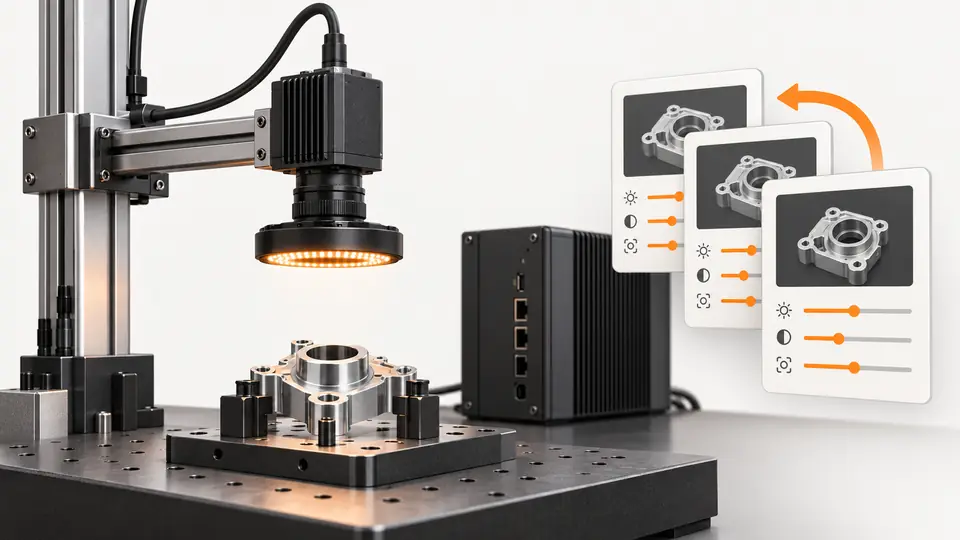
Define the unit of release before assigning a recipe version. Include the device identity and relevant firmware, acquisition settings, lighting setup, inspection logic or model, calibration, application build and PLC or robot mapping that affect the decision. A vendor configuration export may cover only some of these items; inspect its documented scope instead of assuming it contains the complete station. Use a manifest to link the files and physical settings, with stable identifiers and integrity checks where appropriate. Keep the last accepted set retrievable independently of the candidate. Version text configuration in Git when practical and reference larger binary artifacts by an identified controlled location; a filename alone does not establish their contents.
Procedure
- Archive the active set with device/firmware identity, configuration files and content checksums.
- Describe each proposed change, its reason and dependencies without modifying the accepted archive.
- Run the frozen samples plus timing and interface checks; record changed outcomes rather than only a total score.
- Release the candidate as one identified set after review, and record its activation time.
- Restore R10 in a controlled rollback trial; verify configuration, calibration and results before resuming production.
Prepare a frozen replay set with expected decisions recorded independently of the candidate algorithm. Include known good, known bad and borderline samples from the agreed application envelope, and preserve their original images and labels. Run R10 first to establish the accepted comparison, then R11 without modifying the replay evidence. Record changed decisions and reasons, not just a final aggregate pass percentage. Follow replay with fresh part acquisition under the recorded hardware and C4 calibration, because stored images cannot test today’s exposure, motion, physical mounting or output timing. Keep training or tuning samples separate from independent validation where a model is adjusted. Do not approve a candidate by silently changing the expected labels to match its new decisions.
Illustrative test record
Illustrative assumptions, not measured Deyi performance. Replace these values with your own signed test records.
| Record | Assumed value |
|---|---|
| Validated recipe A | R10 |
| Candidate recipe B | R11 |
| Calibration version | C4 |
| Application version | 2.0 |
Promote R11 only after replaying the frozen test set and running fresh parts under the recorded C4 calibration and application version. Replay tests algorithms but cannot prove current optics, timing or actuation. During rollback to R10, verify checksums and the complete active manifest before restoring production. Keep R11’s failed cases and approval decision. A file that loaded successfully is not evidence that the previously accepted hardware and configuration were restored.
Create a release record containing the requested manifest, the loaded manifest and the observed active configuration. Document the specific parameter differences that motivated R11 and the evidence supporting them. A successful import only proves that an import operation completed; it does not prove that every device applied the intended setting. Read back identifiers or inspect effective configuration using supported mechanisms. During rollback, restore R10’s complete set and repeat the defined reference checks before resuming production. Clear pending results through the approved transition so that an R11 event cannot be published under R10. Preserve failed candidate images and review notes even after reverting, because they explain why that version was not released.
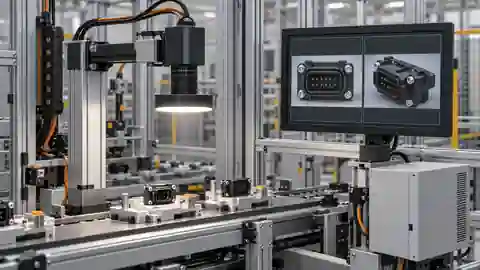
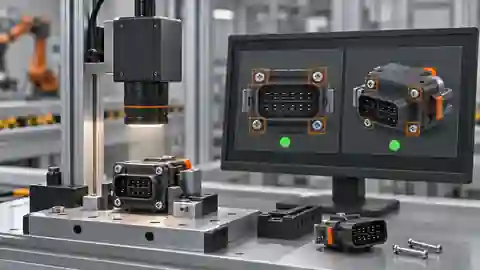
Two views of the workflow
Version and roll back the complete vision recipe — 1
Capture the baseline, validate the candidate, activate it, then prove restoration of the full baseline.
- Baseline archive
- Candidate test
- Activation
- Rollback test
Version and roll back the complete vision recipe — 2
Camera settings, inspection logic and calibration have separate dependencies but belong to the same accepted set.
- Camera settings
- Inspection logic
- Calibration
Troubleshooting
- A file with the right name can contain different data; check contents, not timestamps alone.
- A restored camera file cannot recover a missing model or mismatched application version.
- A stale calibration can invalidate otherwise unchanged thresholds.
Acceptance and handover
Rollback is accepted only when the prior complete set is restored and reproduces its agreed results within current operating constraints. Keep the candidate’s evidence even if rejected. Version labels here do not identify a real released Deyi application.
Set acceptance limits before testing and retain the original evidence. The examples here do not establish a supplied model’s capabilities.
Acceptance should include both promotion and rollback, with an independently reviewed expected-result list. Verify good and bad reference cases, actual acquisition, output association and startup restoration of the accepted manifest. If a component cannot be exported or verified automatically, document the manual check and its owner instead of claiming complete automated reproducibility. Confirm that stored event records identify the recipe, calibration and application version used at the time, rather than whatever version is currently active. Handover includes the manifest, artifact references, test evidence, approval decision and restoration instructions. The example R10/R11 and application 2.0 labels are editorial identifiers; they are not existing Deyi release names or proof that a supplied system implements this versioning workflow.
Sources and technical references
These references explain the methods and limits used in this tutorial. Example checks are guidance; production acceptance requires evidence from your own samples.
- pylon .NET SamplesBasler
Device removal/reconnection, chunk data, configuration and acquisition sample subjects.
Checked - Knowledge database — EYE+ 5.4Asyril
Official knowledge topics on vision calibration, recipe portability and hand-eye good practices.
Checked
Component and selection references
- Visual Inspection System Design Checklist
- Machine Vision Acceptance Test Checklist
- Machine Vision Systems
- machine vision software
- EAN-13 traceability: line acceptance
- EAN-13 traceability: decode and data rules
- Stable camera acquisition: buffers, timeouts and reconnection
- Accept and integrate a visible fill-level workflow
- AI-assisted workflow for a visible level proxy
- Link inspection records, images and part identifiers
- OCR labels: acceptance and PLC contract
- OCR labels: native workflow and exact match
- Accept and integrate open-package completeness checks
- Build an AI-assisted open-package completeness workflow
- Build a PLC–vision handshake with explicit states
- Seal and bead appearance: line acceptance
- Seal and bead appearance: workflow rules
- SKU color sorting: acceptance and unknown route
- SKU color sorting: typed color and SKU rules
- Surface defects: acceptance and line output
- Surface defects: bounded AI evaluation
- Load-test latency from trigger to PLC decision