
Comparisons

Line Scan Camera vs Area Scan Camera

Compare line scan and area scan cameras by motion type, material width, defect size, encoder timing, lighting stability and integration risk.

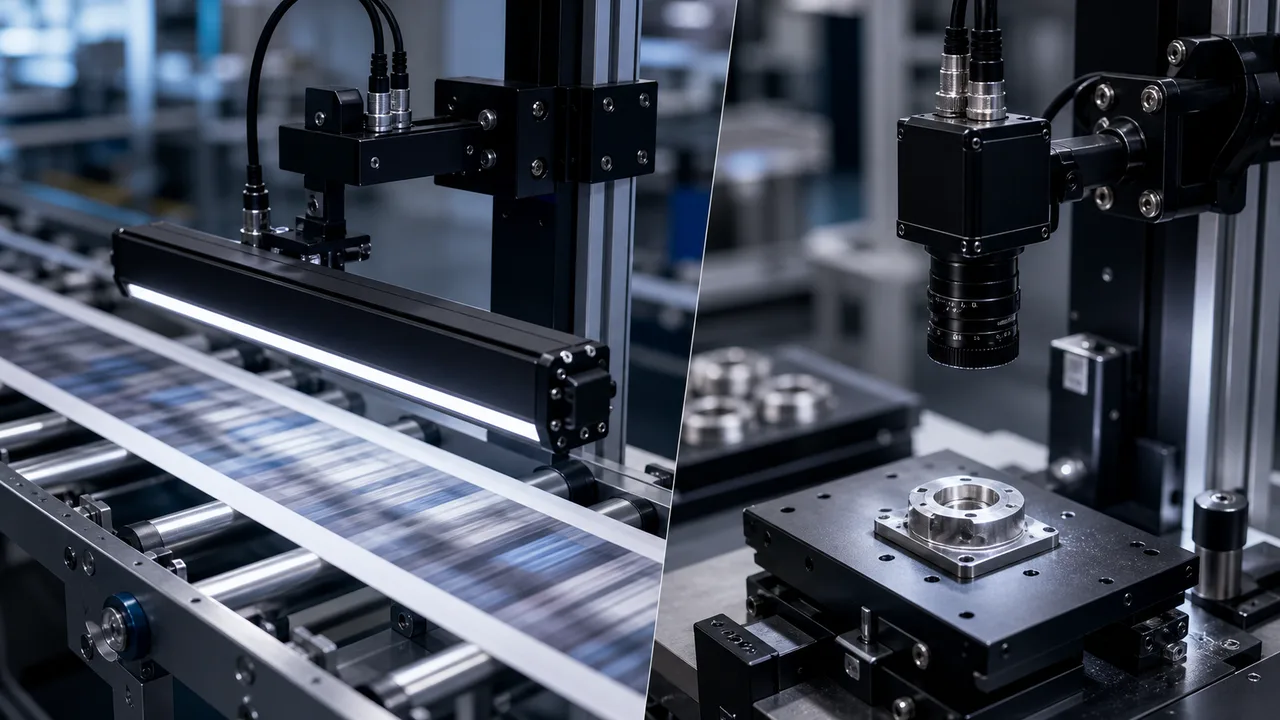
Comparison bench showing line scan camera for moving web material and area scan camera for indexed parts

Direct answer

Line Scan Camera vs Area Scan Camera

Use an area scan camera when the part can be stopped, indexed or captured in one frame. Use a line scan camera when the target is continuous, wide, fast-moving or better inspected as a synchronized image stream.

Where this matters

Start with the inspection condition.

Area scan is simpler for indexed parts. Line scan is safer for roll-to-roll material, web inspection, long objects and high-speed continuous surfaces where one snapshot cannot cover the target efficiently.

Why projects fail

Confirm the limits that change hardware.

Area scan is simpler for indexed parts and robot snapshots.

RFQ preparation

Send enough context for a real review.

Resolution, lighting and trigger timing should be calculated before model selection.

What engineering should check

What this page should help teams decide.

  • Line scan fits continuous web, roll-to-roll and conveyor inspection.
  • Area scan is simpler for indexed parts and robot snapshots.
  • Resolution, lighting and trigger timing should be calculated before model selection.
Practical note

Start with how the target moves.

If the part can stop repeatably inside one field of view, an area scan camera is usually simpler. If the material is continuous, too wide, too long or moving at production speed, line scan avoids stitching many area images.

Practical note

Line scan turns movement into image length.

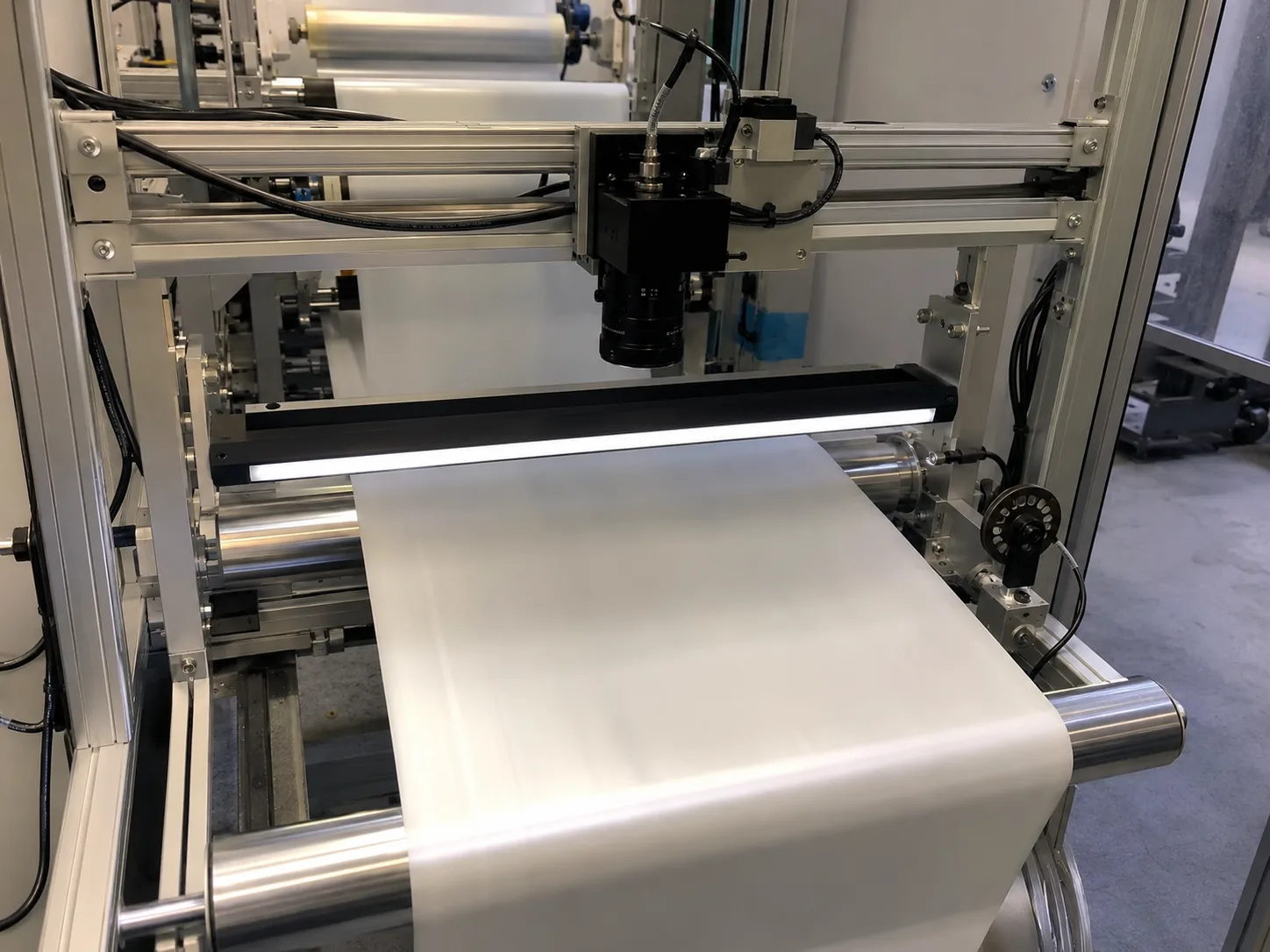
A line scan camera captures one row repeatedly and relies on material motion to build the image. This makes encoder timing, line rate, web speed and line-light intensity part of the camera decision.

Practical note

Area scan reduces integration complexity when one frame is enough.

Indexed assembly checks, robot guidance, presence inspection and many dimensional tasks are easier with area scan because triggering, lighting and image processing happen around a complete snapshot.

Practical note

Lighting risk is different for each route.

Area scan usually needs field illumination for one image. Line scan needs enough uniform light across the full material width and enough exposure at speed, so line-light length and edge-to-center brightness are critical.

How to test before buying

Use this guide as a pre-RFQ decision filter, not as a part-number shortcut.

Machine vision selection is usually stable when the project starts from the inspection condition instead of a catalog model. Before requesting a quote, define what must be detected or measured, how the part moves, what surface behavior affects contrast and which factory constraint cannot change.

Use this guide to translate the requirement into testable inputs: sample images, target tolerance, line speed, field of view, working distance, mounting envelope and the current failure mode. That gives the factory enough evidence to map the request to camera, lighting, optics, reader or 3D routes.
Decision checks

Three checks before locking the route.

01

Area scan camera

Use when the object fits in one frame and can be triggered at a stable position.

02

Line scan camera

Use when the material is continuous, wide, fast or too long for efficient snapshots.

03

Resolution planning

Area scan uses pixels across a 2D FOV; line scan uses pixels across width plus lines per movement distance.

Decision table

Use these data points to turn the concept into an RFQ-ready decision.

Factor Practical rule RFQ impact
Area scan camera Use when the object fits in one frame and can be triggered at a stable position. Send FOV, part size, trigger method, smallest feature and cycle time.
Line scan camera Use when the material is continuous, wide, fast or too long for efficient snapshots. Send web width, speed range, encoder plan and smallest defect.
Resolution planning Area scan uses pixels across a 2D FOV; line scan uses pixels across width plus lines per movement distance. Avoid comparing megapixels directly without motion math.
Lighting route Line scan needs stable line lighting across width; area scan can use ring, bar, dome, coaxial or backlight based on part geometry. Send sample images and current lighting limits.

Application proof

Related delivery routes that make this selection decision concrete.

View all cases

Common mistakes

Problems that slow down selection.

  • Selecting by model number before the inspection target is measurable.
  • Treating lighting as an accessory instead of the main contrast-control tool.
  • Ignoring fixture stability, part variation and operator maintenance workflow.

Factory handoff

What Deyi Vision reviews after receiving the project details.

The factory route review starts by checking whether the image can be made stable with lighting and fixture control. Then the camera, lens, reader or 3D sensor route is sized against speed, resolution, interface and installation constraints.

If you already have a Keyence, Cognex, Basler, OPT, LMI, Hikrobot or barcode-reader reference, include it as a reference model. Deyi Vision uses it to understand the application class; final selection still depends on real samples and production limits.

Guide to RFQ

Have a real part, sample image or production constraint?

Use the guide to frame the question, then send the details so engineering can recommend a route.

Request engineering RFQ

Guide FAQ

Questions related to line scan camera vs area scan camera.

Ask engineering
When should I use a line scan camera instead of area scan?

Use line scan for continuous web material, roll-to-roll inspection, long objects, high-speed surfaces or cases where area scan would need many stitched images.

Is an area scan camera easier to integrate?

Usually yes. If the part fits in one frame and can be triggered at a stable position, area scan normally has simpler lighting, triggering and processing.

What should I send for line scan versus area scan selection?

Send part or material width, speed, target defect size, FOV, working distance, trigger or encoder plan, sample images and whether the target can stop during inspection.

Contact

Direct RFQ contact

Talk to engineering about the inspection problem.

Send sample images, competitor model, FOV, working distance and line speed before model selection.

Target: selection brief within 24h
Send sample images