Basics

Line Scan Camera Explained

Plan line-scan inspection for moving web, roll-to-roll and continuous material by width, speed, encoder timing and line-light stability.

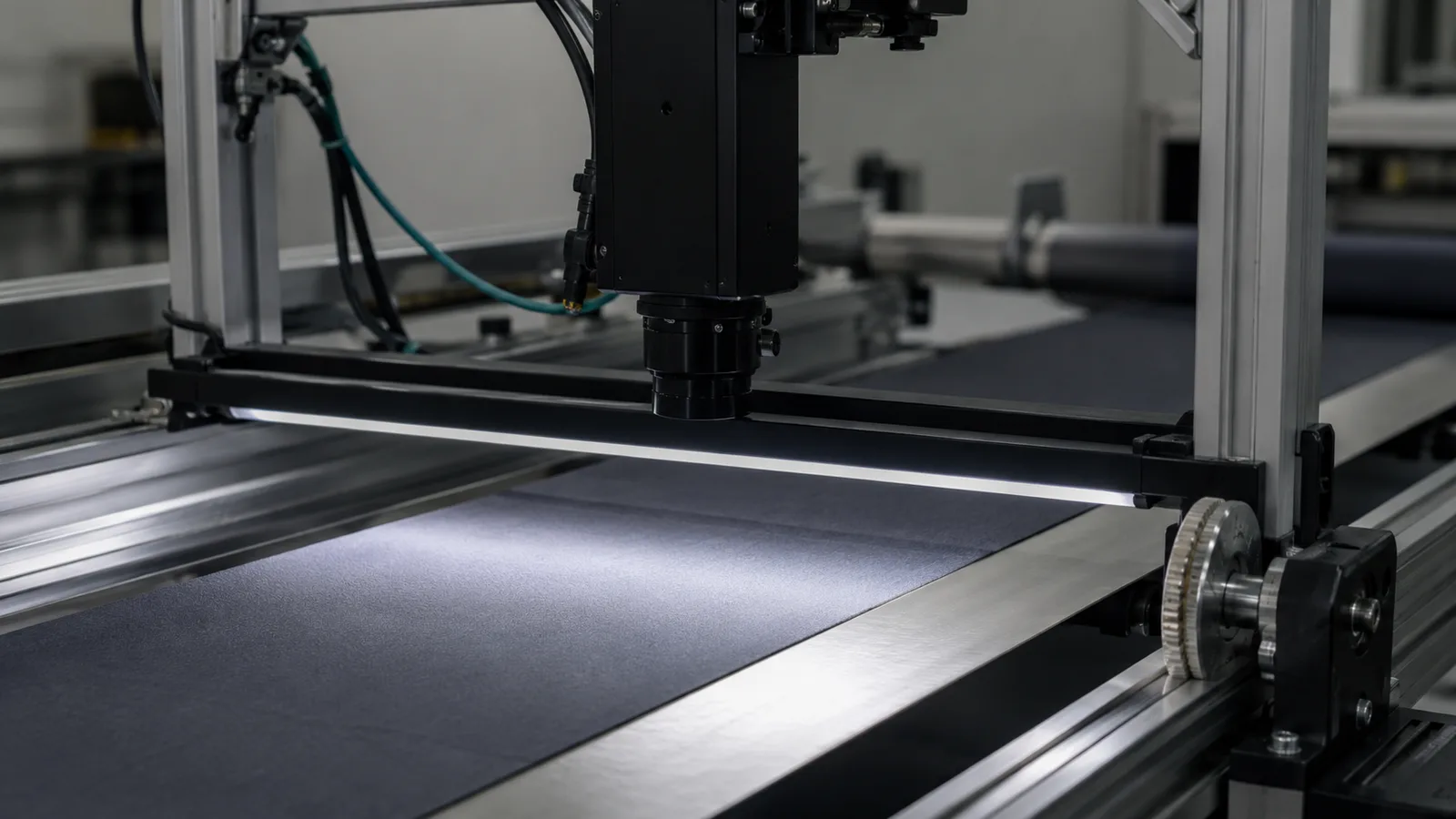
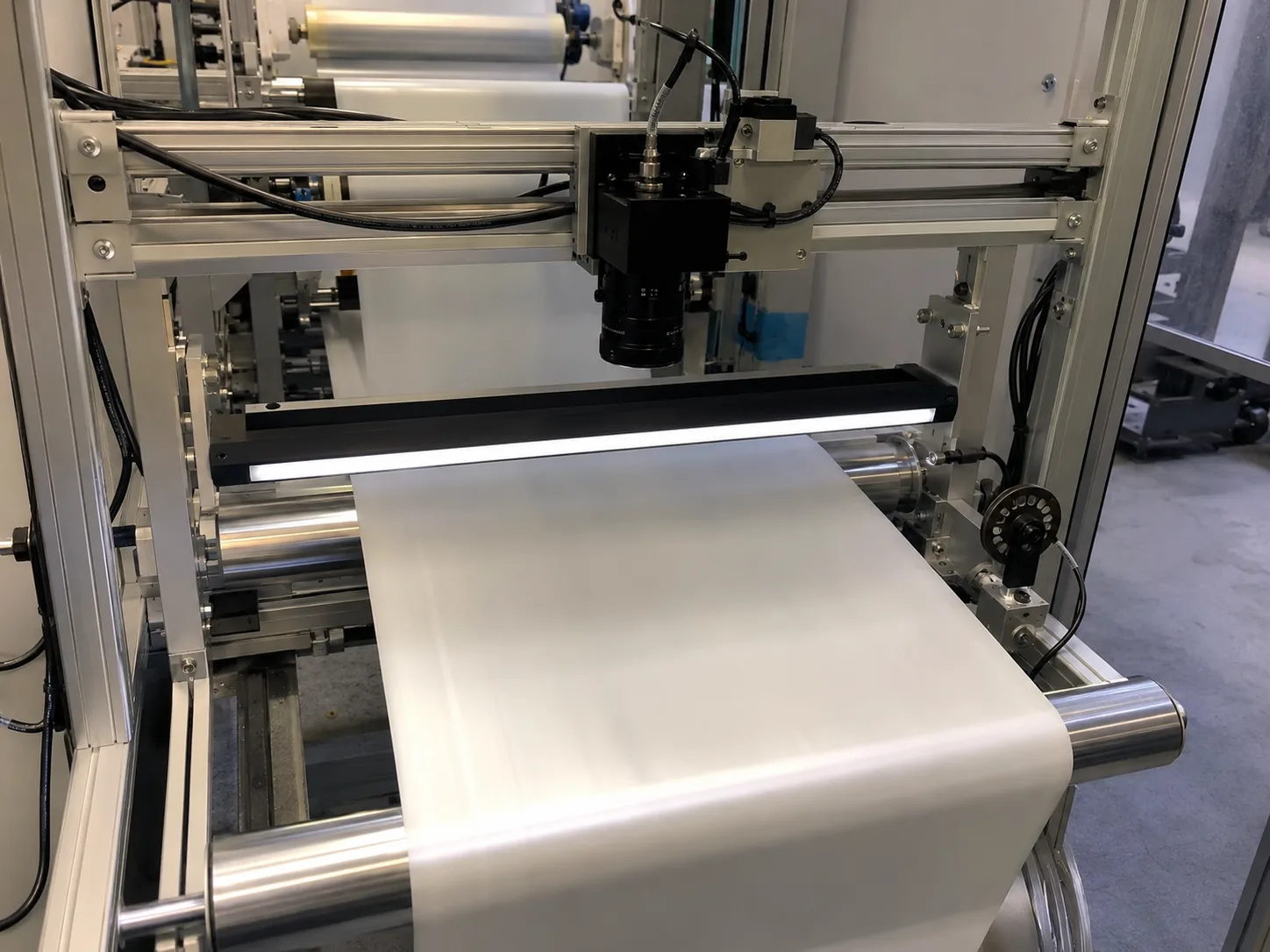
Line scan camera product photo explaining continuous web inspection capture

Direct answer

Line Scan Camera Explained

A line scan camera captures one row repeatedly and turns material motion into image length. It is useful only when web speed, encoder timing, exposure and line-light uniformity are controlled together.

Where this matters

Line scan is for continuous motion and wide material.

Use a line scan route when the target moves continuously, the inspection width is large or area-scan snapshots would miss material between frames.

Why projects fail

Speed, encoder and line light mistakes create false defects.

Line scan projects fail when material speed changes, exposure is too short for the light, or illumination is uneven from edge to center.

RFQ preparation

Send width, speed and synchronization details.

The first RFQ should include web width, target defect size, line speed, encoder plan, surface finish and available line-light mounting space.

What engineering should check

What this page should help teams decide.

  • Line scan cameras build images from many repeated rows.
  • They are useful for continuous web, conveyor and roll-to-roll inspection.
  • Encoder timing, line lighting and motion stability are selection-critical.
Practical note

Line scan turns motion into image height.

The camera captures 1 row at a time. As the product moves, rows are assembled into a full 2D image, which is why motion control is part of the imaging system.

Practical note

Line lighting must be sized with speed.

Short exposure and fast material speed require enough light intensity along the scan line. Uneven illumination becomes a repeating defect in the final image.

Practical note

Encoder synchronization protects geometry.

An encoder links image rows to real material movement. Without synchronization, speed variation can stretch or compress features in the inspected image.

How to test before buying

Test row timing while the material is moving.

Run the material at target speed and check whether encoder pulses, line rate and light intensity keep defects the same shape from edge to center. A still sample cannot prove web geometry.

Decision checks

Three checks before locking the route.

01

Best fit

Roll-to-roll, web, film, textile, paper, metal strip and continuous conveyors.

02

Key control

Encoder, line rate, exposure and light intensity must match.

03

Common risk

Uneven line light creates false surface defects.

Decision table

Use these data points to turn the concept into an RFQ-ready decision.

Factor Practical rule RFQ impact
Best fit Roll-to-roll, web, film, textile, paper, metal strip and continuous conveyors. Send material width and line speed.
Key control Encoder, line rate, exposure and light intensity must match. Include encoder availability and speed range.
Common risk Uneven line light creates false surface defects. Provide surface material and defect samples.

Application proof

Related delivery routes that make this selection decision concrete.

View all cases

Common mistakes

Problems that slow down selection.

  • Quoting line scan without encoder or speed-stability information.
  • Underestimating light intensity for short exposure on fast materials.
  • Ignoring edge-to-center illumination uniformity across wide web material.

Factory handoff

What Deyi Vision reviews after receiving the project details.

The factory route review starts by checking whether the image can be made stable with lighting and fixture control. Then the camera, lens, reader or 3D sensor route is sized against speed, resolution, interface and installation constraints.

If you already have a Keyence, Cognex, Basler, OPT, LMI, Hikrobot or barcode-reader reference, include it as a reference model. Deyi Vision uses it to understand the application class; final selection still depends on real samples and production limits.

Guide to RFQ

Have a real part, sample image or production constraint?

Use the guide to frame the question, then send the details so engineering can recommend a route.

Request engineering RFQ

Guide FAQ

Questions related to line scan camera explained.

Ask engineering
What is a line scan camera?

A line scan camera captures one row of pixels repeatedly and uses product motion to build a full 2D image.

Why use line scan instead of area scan?

Use line scan when the target is continuous, very wide, moving fast or better inspected as a synchronized stream rather than a single frame.

What makes line scan selection difficult?

Line rate, material speed, encoder timing, lighting intensity, web width and surface behavior must be reviewed together.

Contact

Direct RFQ contact

Talk to engineering about the inspection problem.

Send sample images, competitor model, FOV, working distance and line speed before model selection.

Target: selection brief within 24h
Send sample images