Basics

How to Calculate Camera Resolution for Inspection

Estimate camera resolution from FOV and smallest feature, then check optics, motion blur, lighting contrast and tolerance margin.

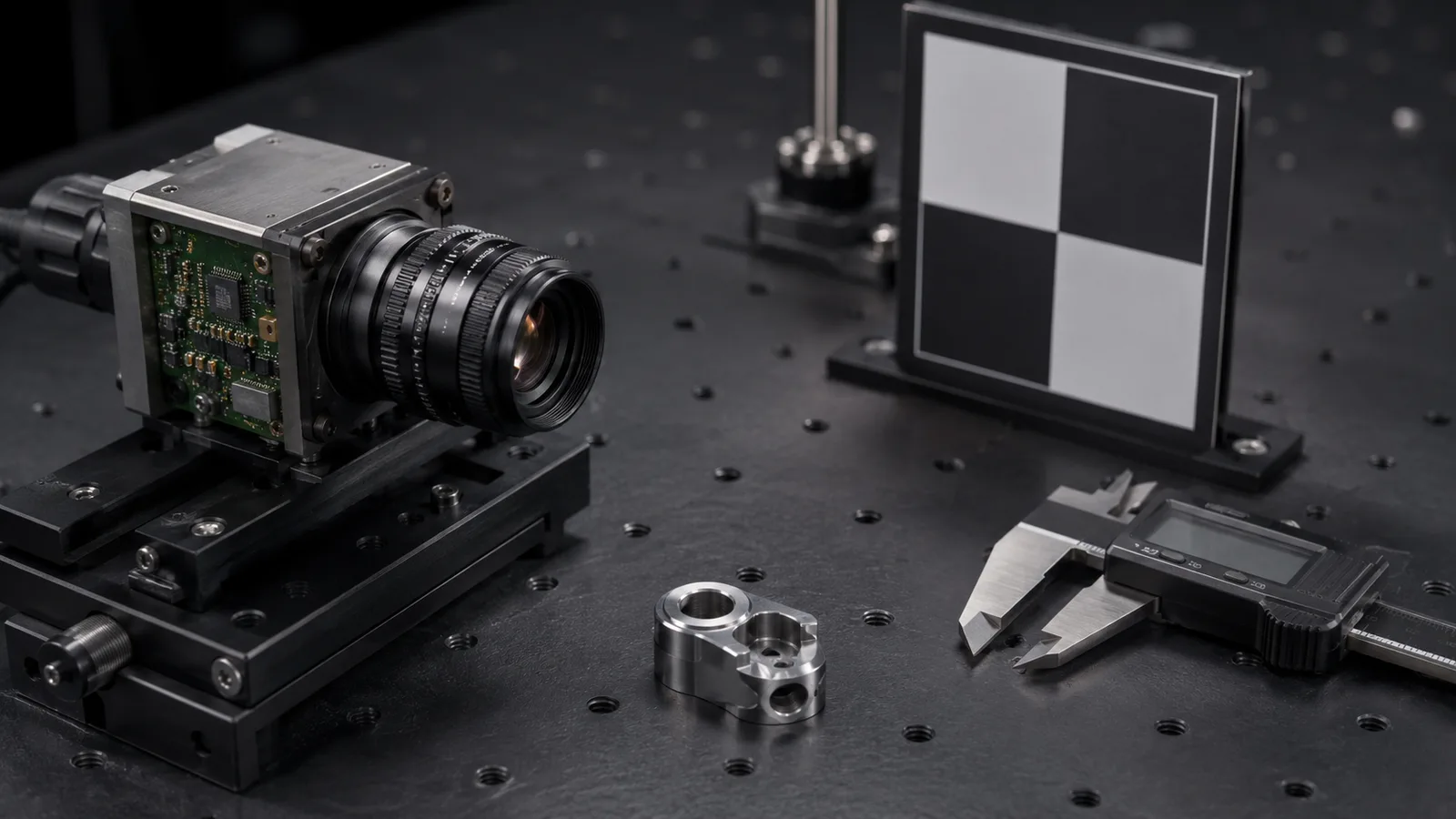
Industrial camera sensor board explaining resolution calculation for inspection

Direct answer

How to Calculate Camera Resolution for Inspection

Resolution should be estimated from the smallest feature inside the required FOV, then checked against lens quality, motion blur, lighting contrast and tolerance margin. Pixel count alone does not guarantee inspection stability.

Where this matters

Resolution starts from the smallest feature inside the FOV.

Resolution should be estimated from the smallest feature that must be detected inside the required field of view, then checked against lens quality, motion blur, lighting contrast and tolerance margin.

Why projects fail

Megapixels alone do not guarantee inspection stability.

A higher-resolution sensor can still fail if the lens cannot resolve the feature, the exposure creates blur, the lighting hides contrast or the tolerance needs calibration margin.

RFQ preparation

Send the numbers behind the pixel calculation.

Provide FOV width and height, smallest defect or tolerance, required pixels across the feature, working distance, line speed and sample images.

What engineering should check

What this page should help teams decide.

  • Resolution starts from FOV and smallest feature size.
  • Pixel size on the part is more useful than megapixels alone.
  • Lens, lighting, motion blur and tolerance margin must be checked after the first calculation.
Practical note

Start with field of view, not megapixels.

The same 5MP camera gives different inspection detail at 30 mm FOV and 300 mm FOV. Pixel size on the part is the number that matters.

Practical note

Use feature size to estimate minimum pixels.

If a 120 mm FOV must prove a 0.2 mm feature at 5 pixels across, the image needs about 3,000 pixels across before extra tolerance, lens and algorithm margin.

Practical note

Resolution does not fix weak optics or lighting.

A higher-resolution sensor can still fail if the lens cannot resolve the feature, lighting does not create contrast or exposure creates motion blur.

How to test before buying

Use the calculator, then prove the image chain.

After the first pixel estimate, use the interactive tool on the Tools page and then test the lens, light and exposure on real parts. Confirm that the target feature remains visible at speed and within tolerance.

Decision checks

Three checks before locking the route.

01

Basic formula

FOV divided by target pixel size equals required pixels.

02

Tolerance margin

Measurement usually needs more pixels than simple detection.

03

After calculation

Check lens resolution, lighting contrast and exposure time.

Decision table

Use these data points to turn the concept into an RFQ-ready decision.

Factor Practical rule RFQ impact
Basic formula FOV divided by target pixel size equals required pixels. Send FOV and smallest feature size.
Tolerance margin Measurement usually needs more pixels than simple detection. Send tolerance, not only defect name.
After calculation Check lens resolution, lighting contrast and exposure time. Avoid selecting by megapixels alone.

Application proof

Related delivery routes that make this selection decision concrete.

View all cases

Common mistakes

Problems that slow down selection.

  • Choosing megapixels before calculating object-side pixel size.
  • Ignoring lens resolution, distortion and calibration margin after the pixel calculation.
  • Forgetting motion blur when the math assumes a static part.

Factory handoff

What Deyi Vision reviews after receiving the project details.

The factory route review starts by checking whether the image can be made stable with lighting and fixture control. Then the camera, lens, reader or 3D sensor route is sized against speed, resolution, interface and installation constraints.

If you already have a Keyence, Cognex, Basler, OPT, LMI, Hikrobot or barcode-reader reference, include it as a reference model. Deyi Vision uses it to understand the application class; final selection still depends on real samples and production limits.

Guide to RFQ

Have a real part, sample image or production constraint?

Use the guide to frame the question, then send the details so engineering can recommend a route.

Request engineering RFQ

Guide FAQ

Questions related to how to calculate camera resolution for inspection.

Ask engineering
How do I calculate camera resolution for machine vision?

Divide the field of view by the required pixel size on the part, then check whether the sensor, lens and lighting can support that detail repeatably.

Is more megapixels always better?

No. More megapixels can help detail, but they may increase bandwidth, processing load and exposure needs without fixing lighting or lens limits.

What numbers are needed for a resolution recommendation?

Provide FOV, smallest feature, tolerance, working distance, line speed, sensor preference, lens space and sample images.

Contact

Direct RFQ contact

Talk to engineering about the inspection problem.

Send sample images, competitor model, FOV, working distance and line speed before model selection.

Target: selection brief within 24h
Send sample images