Selection Guides

Line Scan Camera with Encoder Setup

Plan a line scan camera with encoder synchronization by web speed, pulse rate, roller diameter, line rate, exposure and image scale stability.

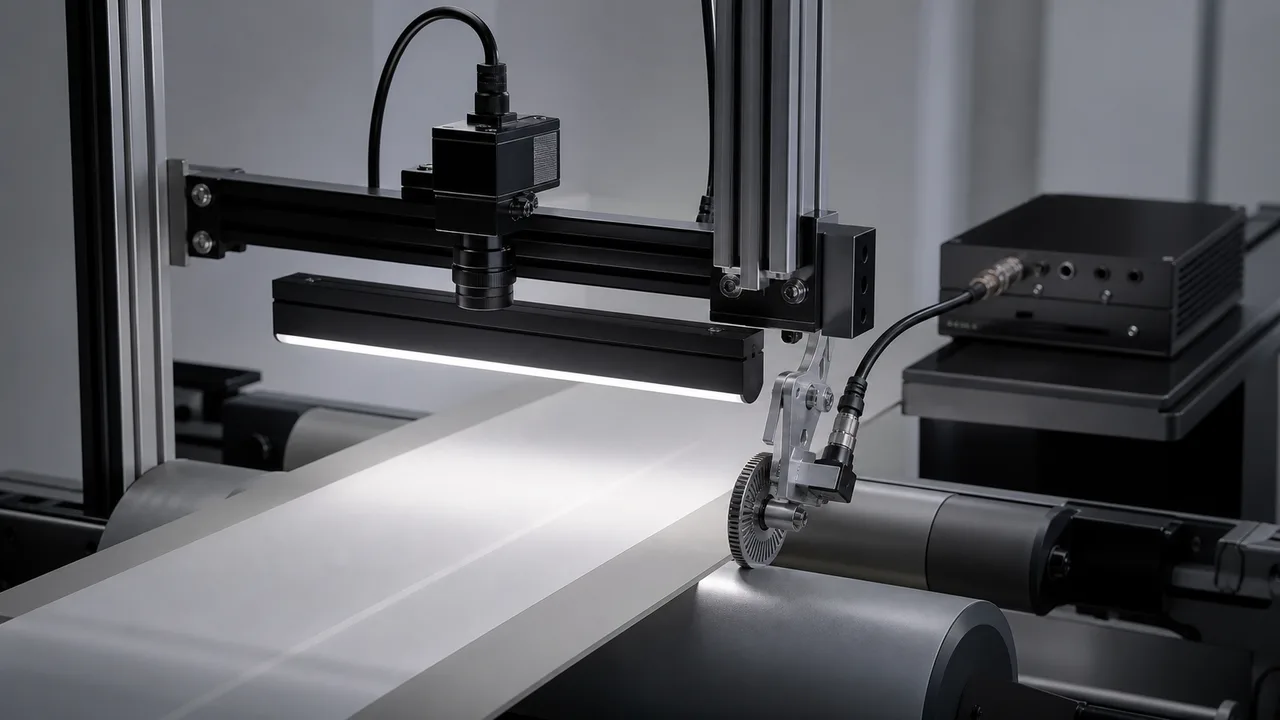
Line scan camera with encoder setup product photo

Direct answer

Line Scan Camera with Encoder Setup

A line scan camera with encoder input is useful when material speed changes or image geometry must stay stable. The setup should define encoder pulse rate, roller diameter, web speed range, target line rate, exposure time, defect size and how the image should scale in software.

Quick answer

What is the short answer for line scan camera with encoder setup?

Use encoder synchronization when conveyor or web speed can vary. It keeps line acquisition tied to material movement instead of a fixed timer.

Quick answer

What should be confirmed before RFQ?

Confirm pulse rate and roller diameter.

Quick answer

What evidence should Deyi Vision review?

Keep exposure and lighting in budget.

Key takeaways

What this page should help engineering teams decide.

  • Encoder input stabilizes image geometry.
  • Confirm pulse rate and roller diameter.
  • Keep exposure and lighting in budget.
Key point

Use encoder input when speed variation changes image scale.

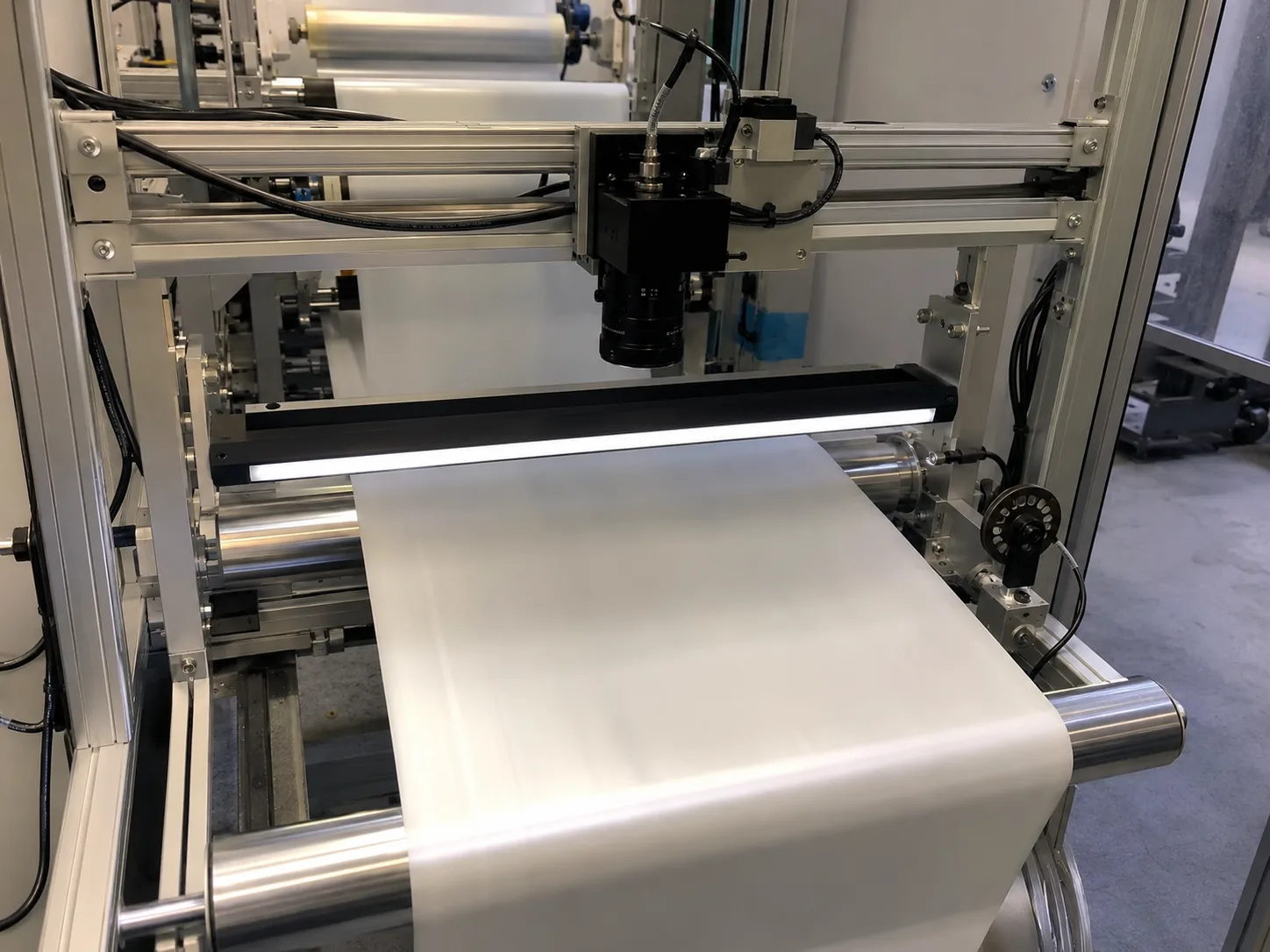
Timer-based acquisition can distort the image when web speed changes. Encoder-triggered acquisition ties each image line to material movement, which helps defect shape, measurement scale and stitching stay consistent.

Key point

Calculate pulse rate before choosing acquisition settings.

The encoder pulse rate, roller diameter and material movement per pulse decide how many camera lines are captured per distance. These numbers should be available before software configuration or camera selection.

Key point

Lighting still limits exposure.

Encoder synchronization does not solve weak lighting. If web speed is high, the system still needs enough line-light intensity, correct aperture and suitable exposure to avoid blur or low contrast.

Key point

Plan reject output and image storage with synchronization.

When defects are detected on moving material, the system may need distance-based reject timing, image position logging or roll-map storage. Encoder data can support these outputs when planned early.

Selection framework

Use this guide as a pre-RFQ decision filter, not as a part-number shortcut.

Machine vision selection is usually stable when the project starts from the inspection condition instead of a catalog model. Before requesting a quote, define what must be detected or measured, how the part moves, what surface behavior affects contrast and which factory constraint cannot change.

For line scan camera with encoder setup, the engineering team should translate the requirement into testable inputs: sample images, target tolerance, line speed, field of view, working distance, mounting envelope and the current failure mode. That gives the factory enough evidence to map the request to camera, lighting, optics, reader or 3D routes.
Decision matrix

Three checks before locking the route.

01

Fixed timer acquisition

Works when speed is stable and geometry tolerance is loose.

02

Encoder-triggered acquisition

Use when speed varies or defect geometry matters.

03

High-speed web

Needs encoder plus enough light and exposure control.

Comparison table

Use these data points to turn the concept into an RFQ-ready decision.

Factor Practical rule RFQ impact
Fixed timer acquisition Works when speed is stable and geometry tolerance is loose. Lower integration complexity but higher distortion risk.
Encoder-triggered acquisition Use when speed varies or defect geometry matters. Requires encoder signal, pulse calculation and stable wiring.
High-speed web Needs encoder plus enough light and exposure control. Prevents assuming synchronization alone solves blur.
Defect mapping Encoder distance can support roll-map or reject timing. Clarifies software and controller scope before quote.

Common mistakes

Problems that slow down selection.

  • Selecting by model number before the inspection target is measurable.
  • Treating lighting as an accessory instead of the main contrast-control tool.
  • Ignoring fixture stability, part variation and operator maintenance workflow.

Factory handoff

What Deyi Vision reviews after receiving the project details.

The factory route review starts by checking whether the image can be made stable with lighting and fixture control. Then the camera, lens, reader or 3D sensor route is sized against speed, resolution, interface and installation constraints.

If you already have a Keyence, Cognex, Basler, OPT, LMI, Hikrobot or barcode-reader reference, include it as a benchmark. Deyi Vision uses the reference to understand the application class; final selection still depends on real samples and production limits.

Guide to RFQ

Have a real part, sample image or production constraint?

Use the guide to frame the question, then send the details so engineering can recommend a route.

Request engineering RFQ

Guide FAQ

Questions related to line scan camera with encoder setup.

Ask engineering
Why use an encoder with a line scan camera?

An encoder synchronizes line acquisition with material movement so the image does not stretch or compress when speed changes.

What encoder data is needed for line scan setup?

Send pulse rate, roller diameter, web speed range, trigger method, camera line rate target and whether distance-based reject output is needed.

Does encoder synchronization remove motion blur?

No. It stabilizes image scale, but exposure time and lighting intensity still determine blur and contrast.

Catch Defects First