
How to test before buying
Test code quality and no-read handling together.
Validate damaged, glossy, curved or DPM samples at production speed, then confirm whether no-read events trigger reject, rework, image save or database exception.
Selection Guides
Select fixed code readers by worst-case code quality, read distance, motion, lighting, trigger timing and output protocol.
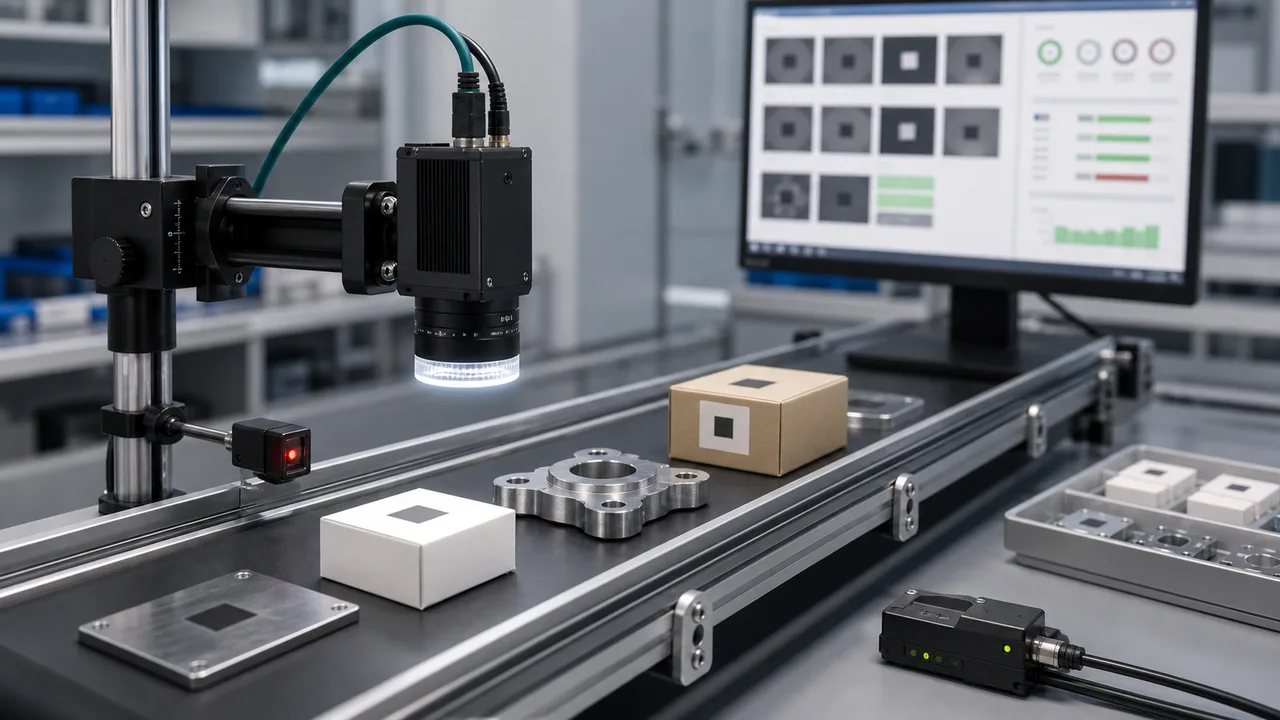
Direct answer
An industrial code reader should be chosen from code evidence and line conditions: code type, module size, print or mark quality, speed, read distance, lighting, trigger and output protocol. Treat it as a traceability component, not a handheld scanner replacement.
Reader selection should start from production read rate, code quality, read distance, trigger timing and output protocol, not from device shape alone.
Weak contrast, small module size, glare, curved surfaces, motion blur and undefined no-read logic can make a reader fail even when it supports the code format.
Provide code type, module size, print or mark quality, speed, distance, lighting condition, trigger method, output protocol and target read rate.
A reader that supports DataMatrix or QR still may fail if the mark is low contrast, damaged, curved, glossy or moving too fast. Evaluate worst-case production samples, not only the format listed in a datasheet.
Read distance, field of view and smallest module size decide whether the sensor has enough pixels on the code. A compact reader may work close to the part but fail when the installation space forces a longer distance.
Industrial code readers often need Ethernet, serial, discrete I/O, PLC command, database handoff or image saving for no-read events. The output route should be stated in the RFQ before the hardware is locked.
Low-angle, coaxial, dome or multi-angle lighting can change a failed DPM read into a stable result. Glossy plastic, metal and curved surfaces should be tested with real samples.
How to test before buying
Validate damaged, glossy, curved or DPM samples at production speed, then confirm whether no-read events trigger reject, rework, image save or database exception.
Decision checks
Use stable front lighting when label contrast and placement are controlled.
Confirm module size, quiet zone and code damage tolerance.
Match algorithm and light angle to mark depth and surface finish.
Decision table
| Factor | Practical rule | RFQ impact |
|---|---|---|
| 1D / printed labels | Use stable front lighting when label contrast and placement are controlled. | Send label size, speed and placement tolerance. |
| 2D / DataMatrix | Confirm module size, quiet zone and code damage tolerance. | Send code images at worst-case quality. |
| DPM marks | Match algorithm and light angle to mark depth and surface finish. | Send real marked parts, not only screenshots. |
| Output protocol | Confirm PLC/database/no-read routing before reader selection. | Avoids integration rework after purchase. |
Application proof
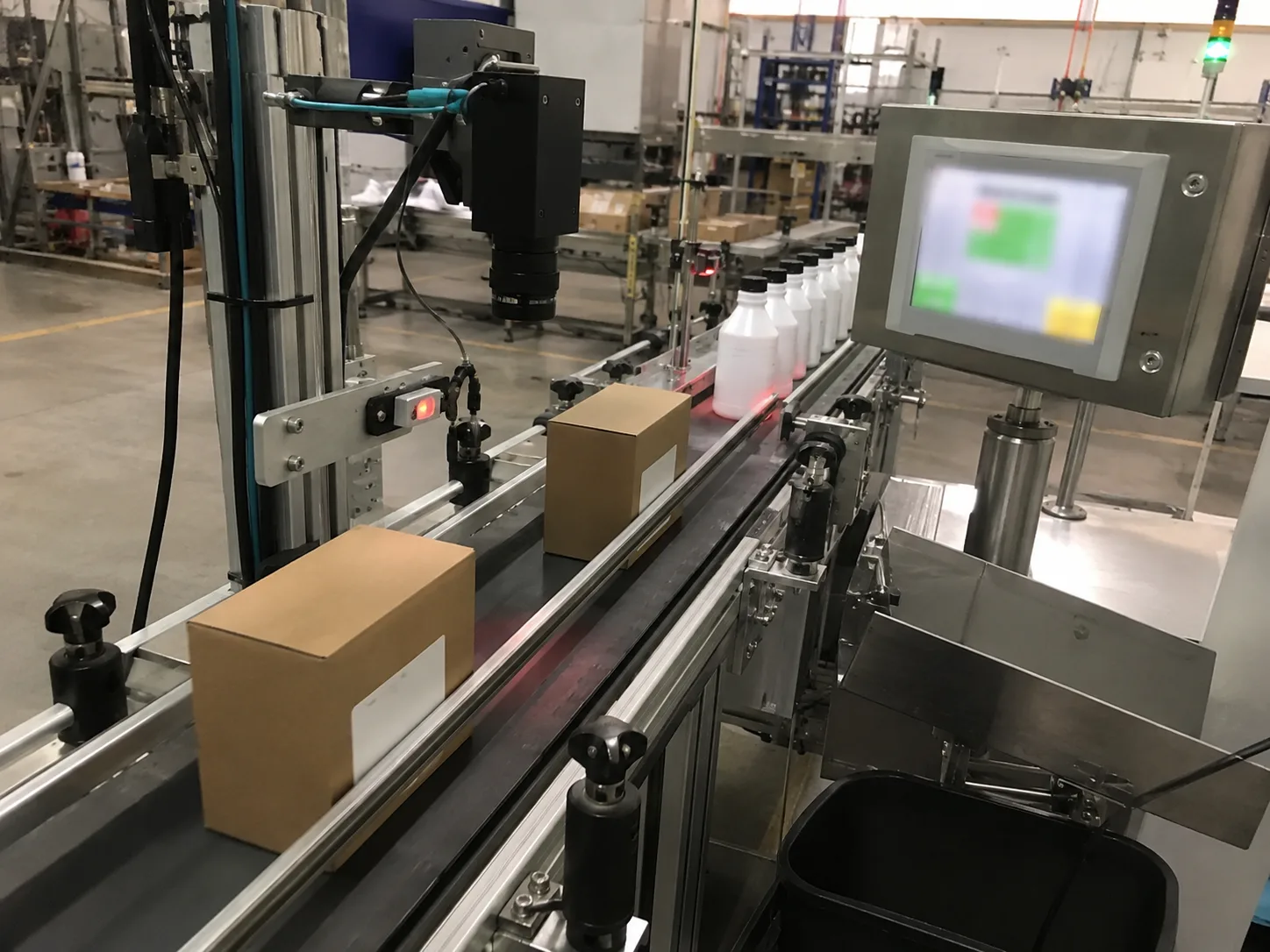
Labels and codes move quickly, vary in position and must be verified without slowing the packaging line.
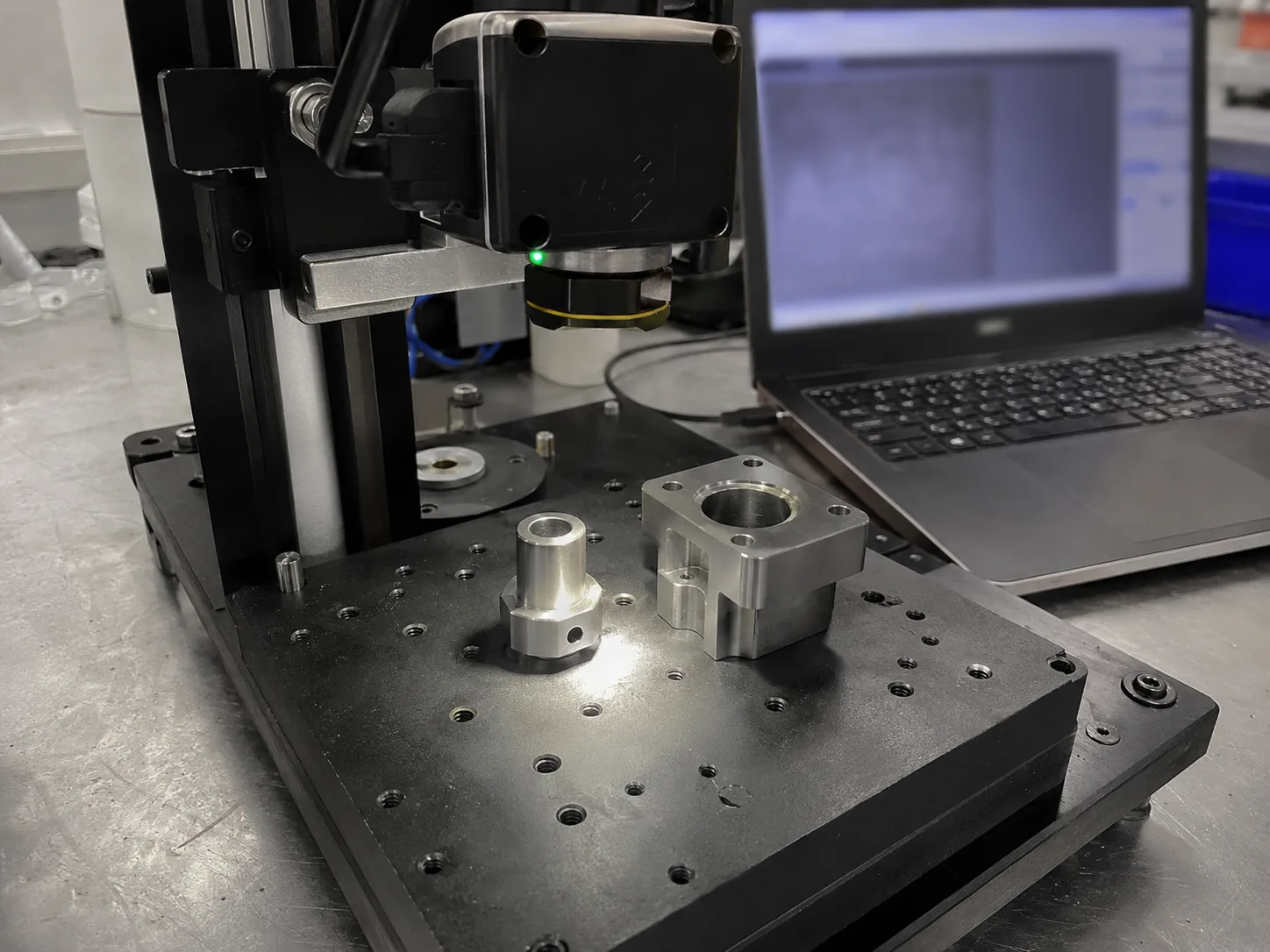
DPM marks often fail because mark depth, surface finish and lighting angle change the apparent code contrast.
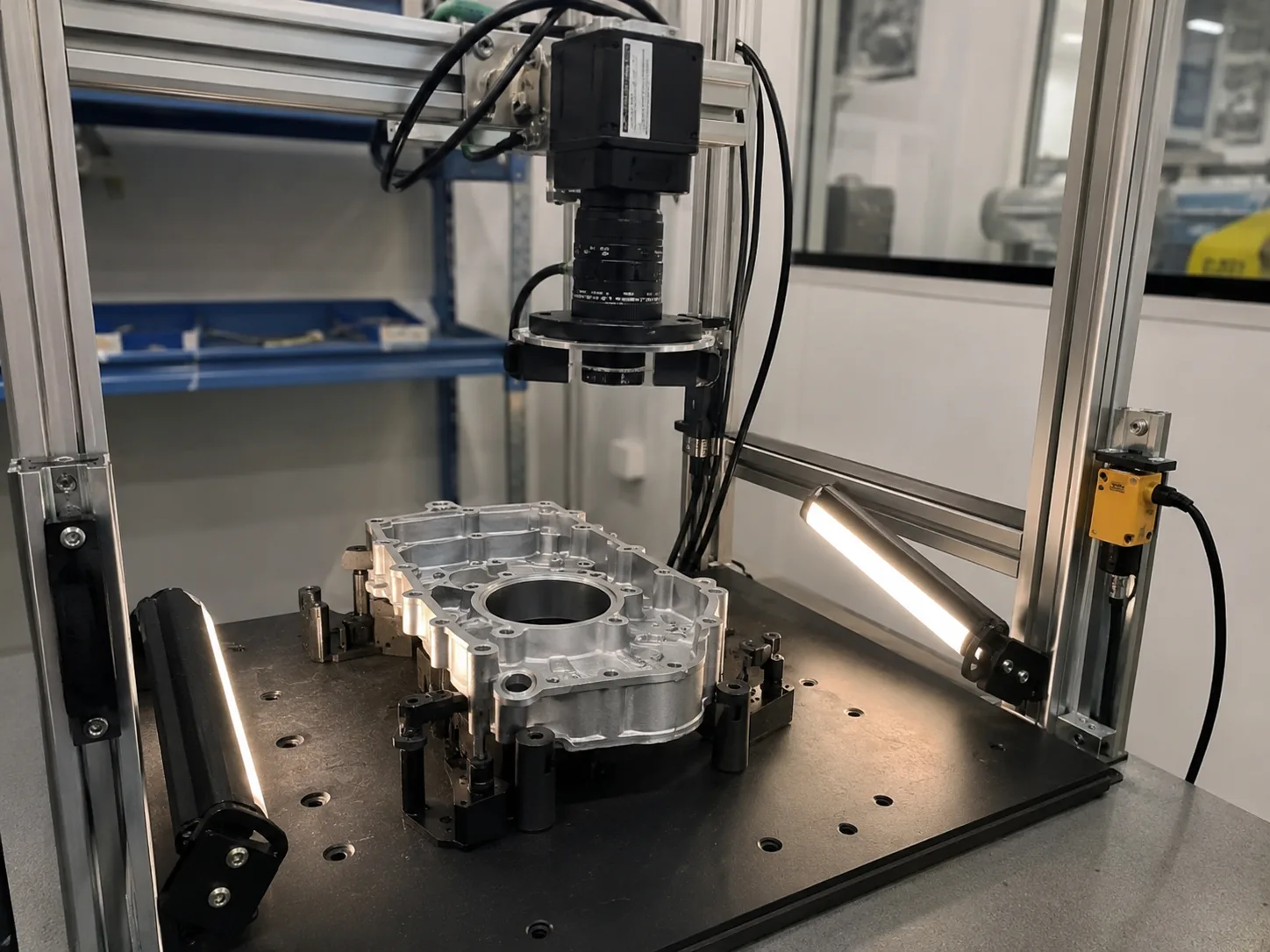
Reflective metal surfaces can hide scratches and burrs unless the lighting geometry is matched to the defect direction and part movement.
Common mistakes
Factory handoff
The factory route review starts by checking whether the image can be made stable with lighting and fixture control. Then the camera, lens, reader or 3D sensor route is sized against speed, resolution, interface and installation constraints.
If you already have a Keyence, Cognex, Basler, OPT, LMI, Hikrobot or barcode-reader reference, include it as a reference model. Deyi Vision uses it to understand the application class; final selection still depends on real samples and production limits.
Guide to RFQ
Use the guide to frame the question, then send the details so engineering can recommend a route.
Request engineering RFQGuide FAQ
An industrial code reader is a fixed automation reader for 1D, 2D, QR, DataMatrix or DPM codes used in manufacturing, packaging, logistics and traceability systems.
Industrial code readers are designed for fixed mounting, triggers, PLC/database output and high read-rate at production speed, while handheld scanners depend on operator positioning.
Common causes are weak code contrast, small module size, motion blur, glare, poor mounting angle, wrong trigger timing and undefined no-read handling.