
Basics

Industrial Camera vs Regular Camera

Compare industrial cameras and regular cameras by trigger control, lens route, interfaces, repeatability and factory integration.

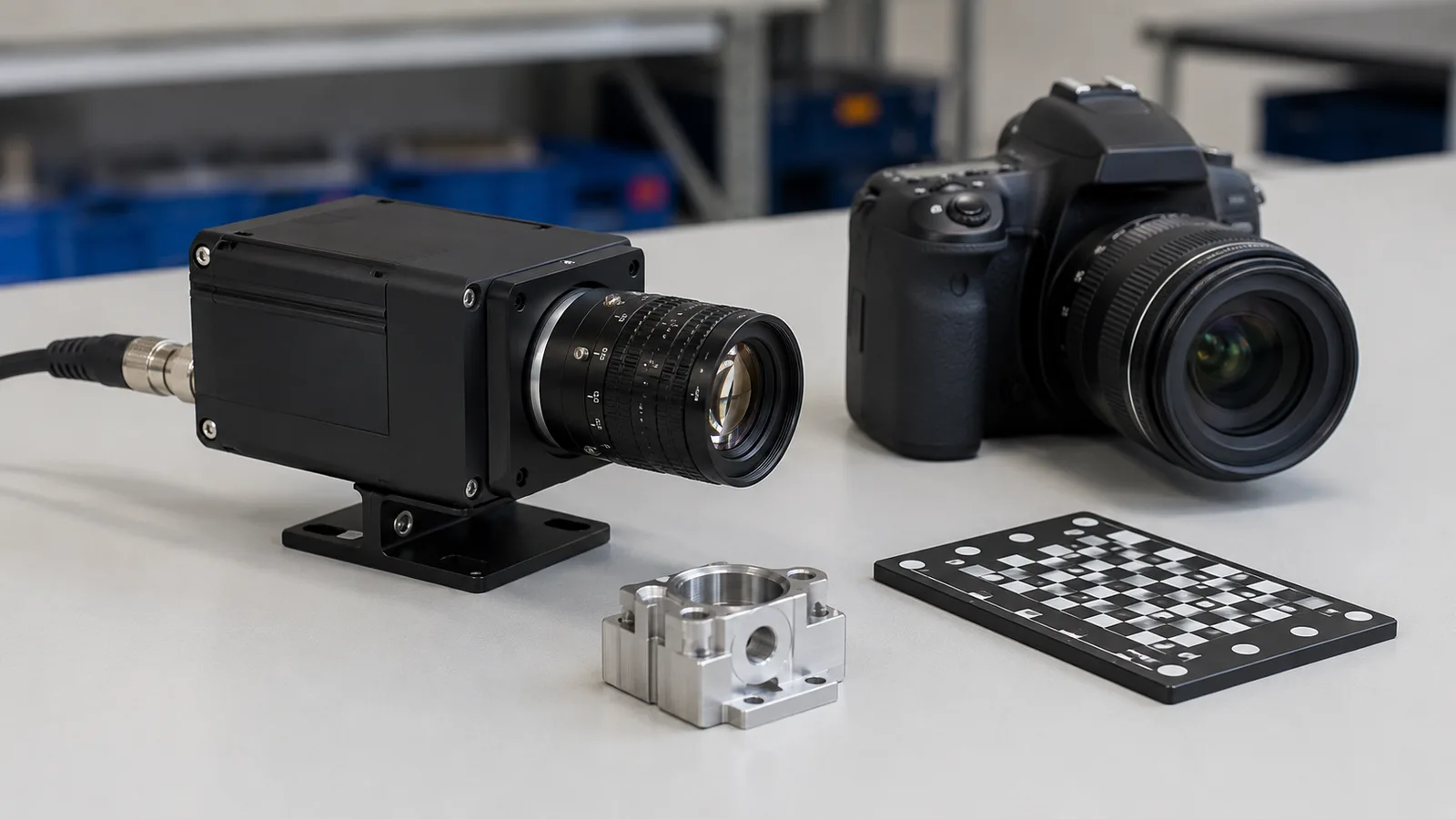
Industrial 2D camera product photo for industrial versus regular camera explanation

Direct answer

Industrial Camera vs Regular Camera

Industrial cameras are built for repeatable machine data, not casual images. They usually prioritize 2 needs: external trigger control and stable interfaces like GigE or USB3 for production integration.

Where this matters

Start with the inspection condition.

Industrial cameras are built for repeatable machine data, not casual images. They usually prioritize 2 needs: external trigger control and stable interfaces like GigE or USB3 for production integration.

Why projects fail

Confirm the limits that change hardware.

Regular cameras optimize human viewing and automatic exposure, not PLC timing.

RFQ preparation

Send enough context for a real review.

Camera choice should follow FOV, speed, feature size and integration route.

What engineering should check

What this page should help teams decide.

  • Industrial cameras expose trigger, interface and sensor control for automation.
  • Regular cameras optimize human viewing and automatic exposure, not PLC timing.
  • Camera choice should follow FOV, speed, feature size and integration route.
Practical note

Industrial cameras are designed for machine timing.

They support external trigger, fixed exposure, repeatable sensor behavior and factory interfaces. That makes images comparable from part to part.

Practical note

Regular cameras are designed for human images.

Phones, webcams and consumer cameras prioritize automatic exposure, color rendering and convenience. Those features can change the image when inspection needs repeatability.

Practical note

Interface choice changes integration risk.

GigE, USB3 and line-scan routes differ by cable length, bandwidth and trigger timing. The right choice depends on machine layout, speed and host architecture.

How to test before buying

Use this guide as a pre-RFQ decision filter, not as a part-number shortcut.

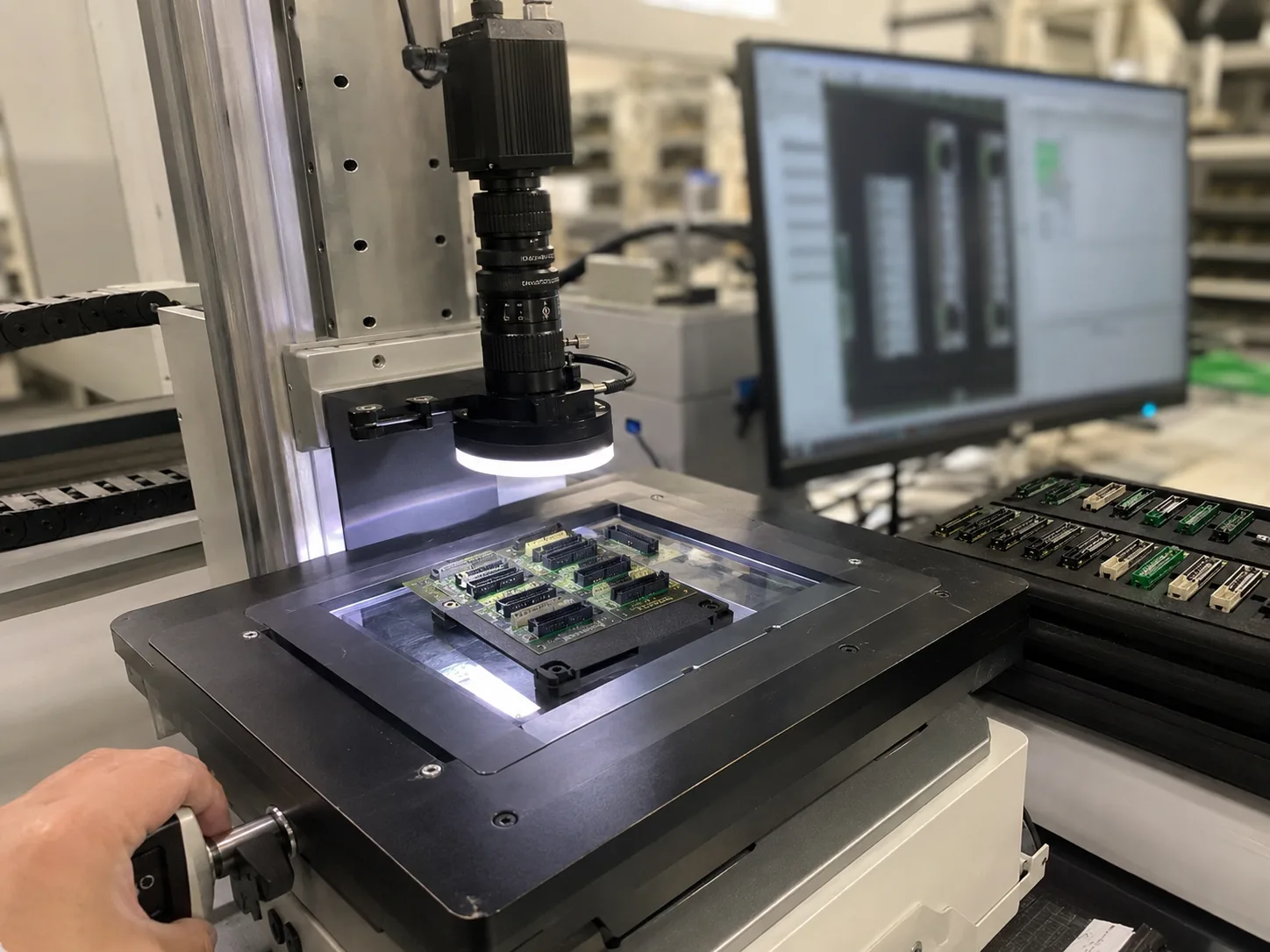
Machine vision selection is usually stable when the project starts from the inspection condition instead of a catalog model. Before requesting a quote, define what must be detected or measured, how the part moves, what surface behavior affects contrast and which factory constraint cannot change.

Use this guide to translate the requirement into testable inputs: sample images, target tolerance, line speed, field of view, working distance, mounting envelope and the current failure mode. That gives the factory enough evidence to map the request to camera, lighting, optics, reader or 3D routes.
Decision checks

Three checks before locking the route.

01

Trigger control

Industrial cameras support repeatable external trigger behavior.

02

Lens route

Industrial cameras use fixed optics matched to FOV and working distance.

03

Integration

GigE and USB3 are selected by bandwidth, cable length and host layout.

Decision table

Use these data points to turn the concept into an RFQ-ready decision.

Factor Practical rule RFQ impact
Trigger control Industrial cameras support repeatable external trigger behavior. State PLC, sensor or encoder trigger method.
Lens route Industrial cameras use fixed optics matched to FOV and working distance. Send object size, sensor target and mounting space.
Integration GigE and USB3 are selected by bandwidth, cable length and host layout. Confirm cable run and frame-rate requirement.

Application proof

Related delivery routes that make this selection decision concrete.

View all cases

Common mistakes

Problems that slow down selection.

  • Using auto exposure or auto focus in a repeatability-critical inspection.
  • Choosing a consumer image source before confirming external trigger and fixed lens control.
  • Selecting USB3 or GigE without checking cable run, bandwidth and host layout.

Factory handoff

What Deyi Vision reviews after receiving the project details.

The factory route review starts by checking whether the image can be made stable with lighting and fixture control. Then the camera, lens, reader or 3D sensor route is sized against speed, resolution, interface and installation constraints.

If you already have a Keyence, Cognex, Basler, OPT, LMI, Hikrobot or barcode-reader reference, include it as a reference model. Deyi Vision uses it to understand the application class; final selection still depends on real samples and production limits.

Guide to RFQ

Have a real part, sample image or production constraint?

Use the guide to frame the question, then send the details so engineering can recommend a route.

Request engineering RFQ

Guide FAQ

Questions related to industrial camera vs regular camera.

Ask engineering
Can a regular camera be used for machine vision?

It can be used for simple demonstrations, but production inspection usually needs industrial trigger, exposure, lens, interface and mounting control.

Why are industrial cameras better for automation?

They provide repeatable image capture, external trigger support, stable interfaces and mechanical formats that fit factory machines.

What should decide industrial camera selection?

Selection should start from FOV, smallest feature, motion speed, exposure, lens fit, lighting and integration interface, not camera resolution alone.

Contact

Direct RFQ contact

Talk to engineering about the inspection problem.

Send sample images, competitor model, FOV, working distance and line speed before model selection.

Target: selection brief within 24h
Send sample images